To Change the Audio Tone
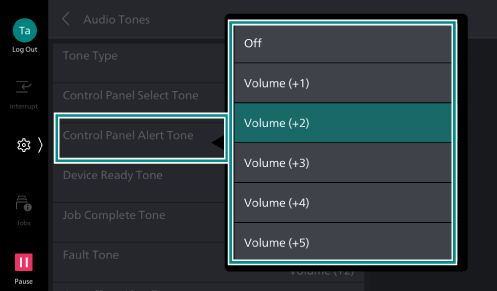
Sets type and volume of audio output during operation and when an error occurs.
- Tap on
 on the Home screen.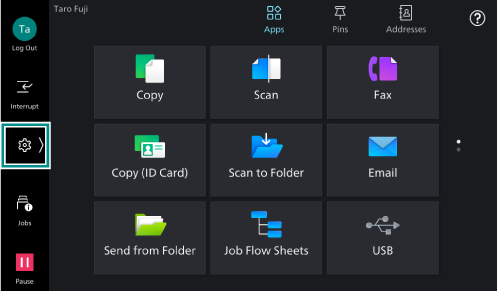
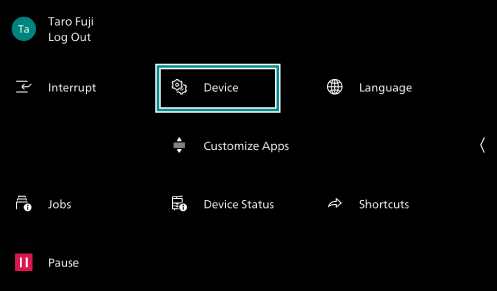
- Tap on [Device].
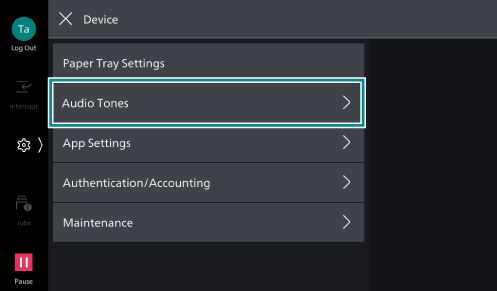
- Tap on [Audio Tones].
- Tap on the audio tone you want to change, and select a volume, or [Off].
Note
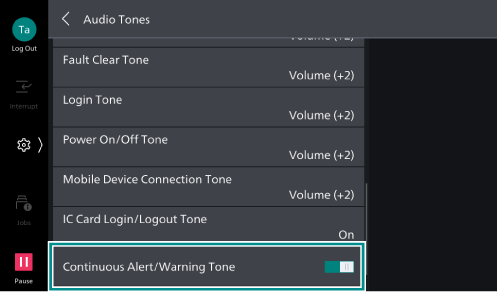
To set so that an alarm is generated repeatedly when an error occurs, enable [Continuous Alert/
Warning Tone ]. When this option is enabled, an alarm is generated repeatedly until user intervention takes place, or the error is resolved.