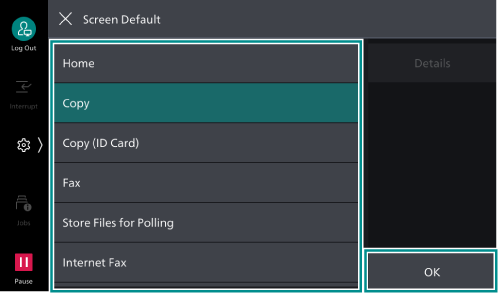
Changing the Screen to be Initially Displayed
The screen to be displayed when the machine is turned on or the machine exits Power Saver mode can be changed.
The system administrator can do this.
- Log in to Administrator Mode.
- Tap on
 on the Home screen.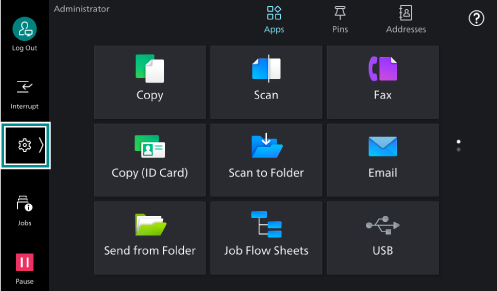
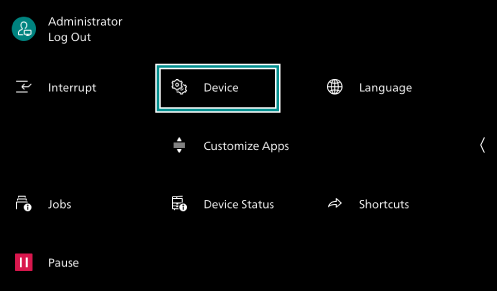
- Tap on [Device].
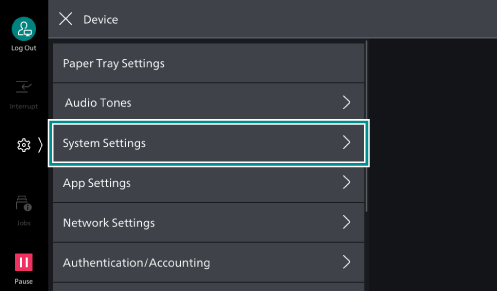
- Tap on [System Settings].
- Tap on [Screen/
Button Settings ].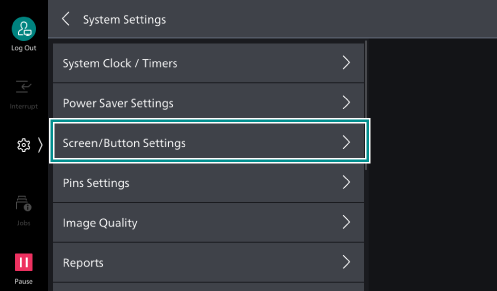
- Tap on [Screen Default].
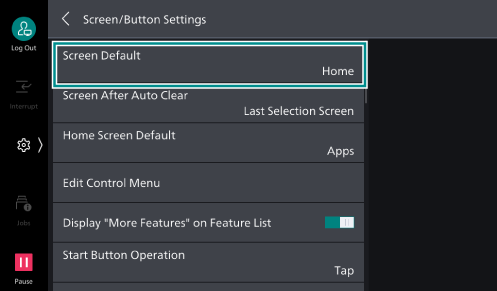
- Select the feature that should appear as the initial screen, and tap on [OK].