To Check the Sent/Received History of Fax
Status of jobs, remote terminal names, and communication results are recorded separately for sent and received fax jobs.
You can check the history using the following method:
Using the Control Panel
- Tap on
 ([Jobs]) on the Home screen.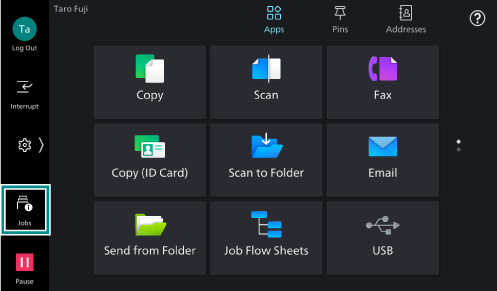
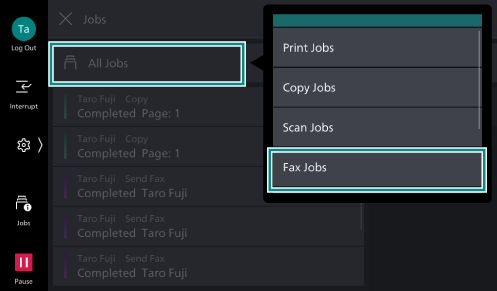
- Tap on[All Jobs], and then tap on [Fax Jobs] among the displayed menu.
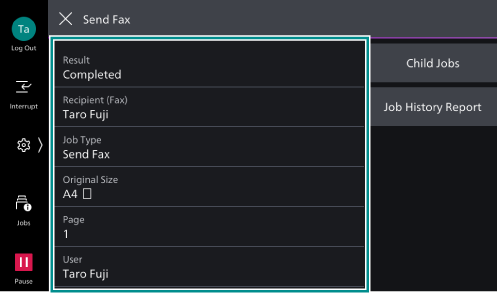
- Tap on the job to check the details.
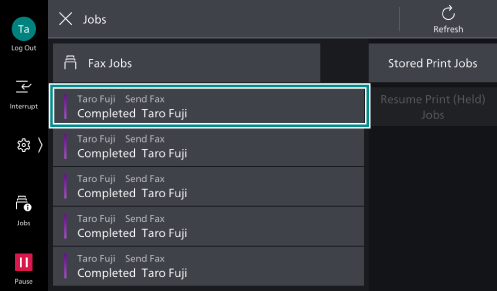
The detailed information is displayed.
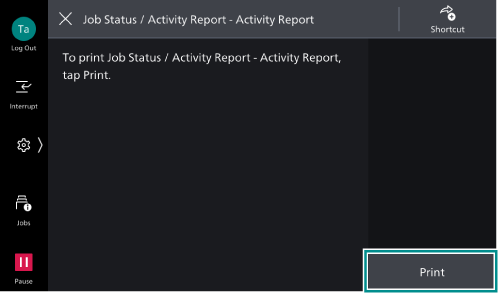
Checking the Activity Report
- Tap on
 on the Home screen.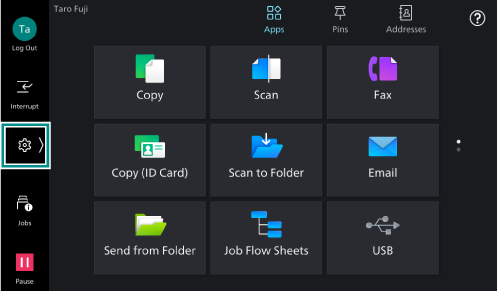
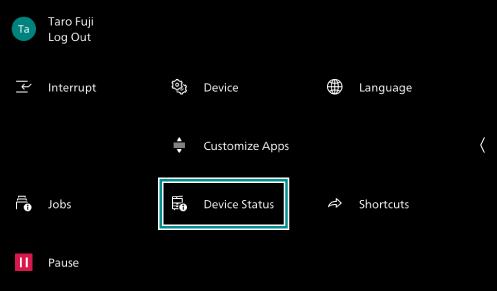
- Tap on [Device Status].
- Tap on [Print Reports].
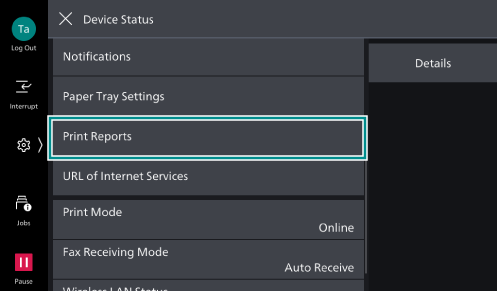
- Tap on [Job Status /
Activity Report ].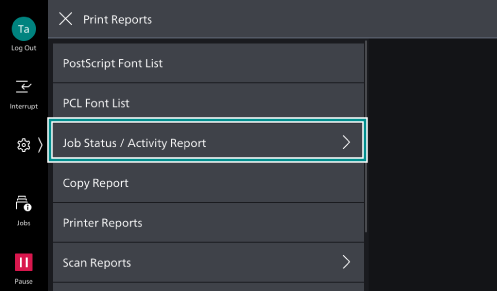
- Tap on [Activity Report].
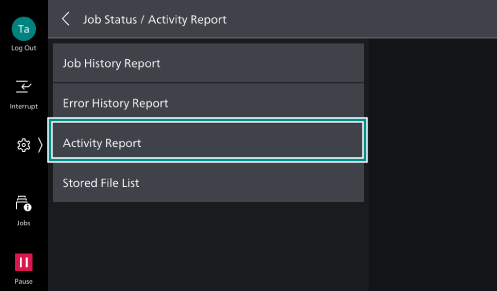
- Tap on [Print].