Setting up Scan to USB
You need to configure the following settings in order to save the scanned data in the USB memory device.
Setting [USB]
- Access Internet Services.
Refer
For details, refer to Using Internet Services.
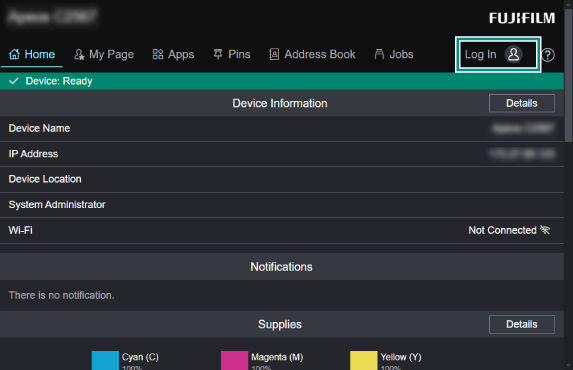
- Log in as the system administrator.
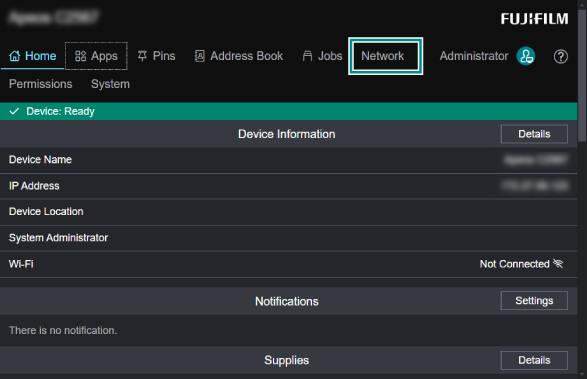
- Tap on [Network].
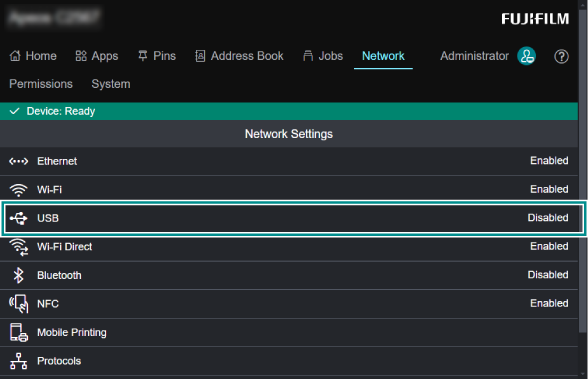
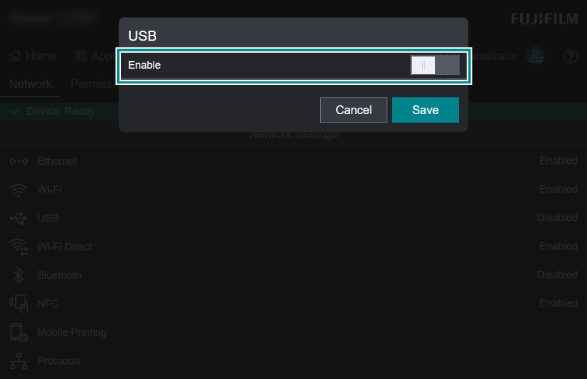
- Click [USB].
- Apply a check mark to [Enable].
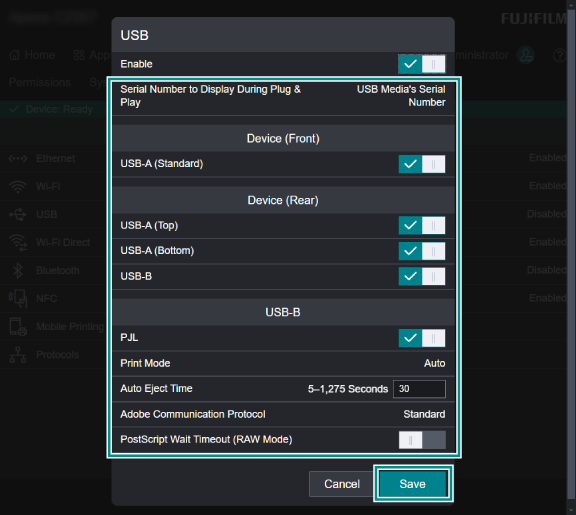
- Set each item as needed, and click [Save].
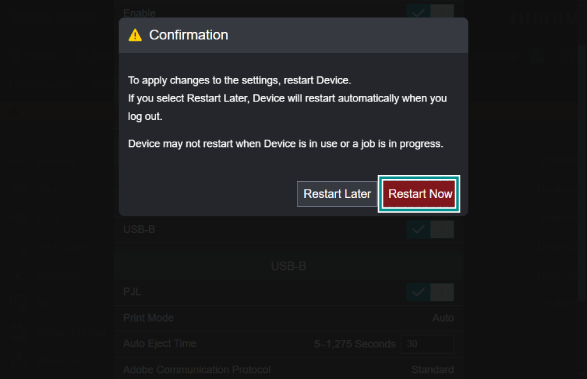
- Click [Restart Now] to restart the machine.