
Layout of Features on the Control Menu
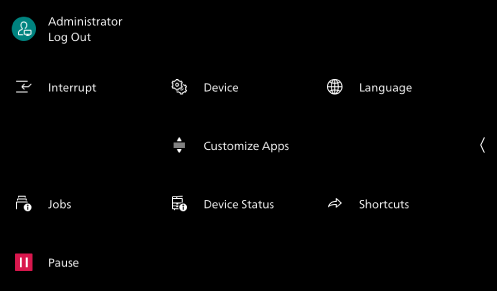
You can modify which feature is shown and adjust their positions on the Control Menu that appears when tapping on  .
.
The system administrator can do this.
Note
[Pause] is always displayed on the bottom left, and cannot be customized.
- Log in to Administrator Mode.
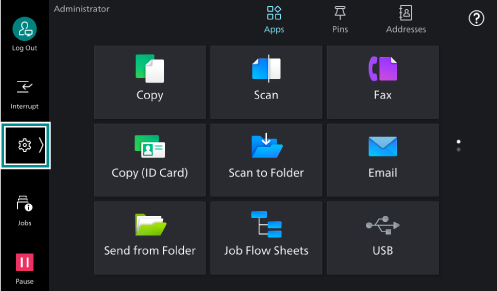
- Tap on on the Home screen.
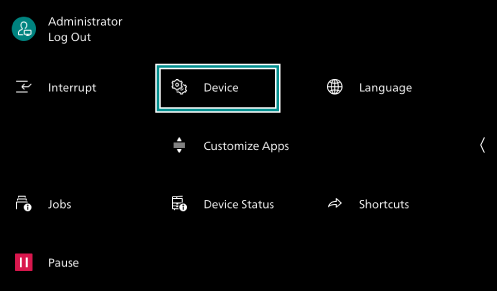
- Tap on [Device].
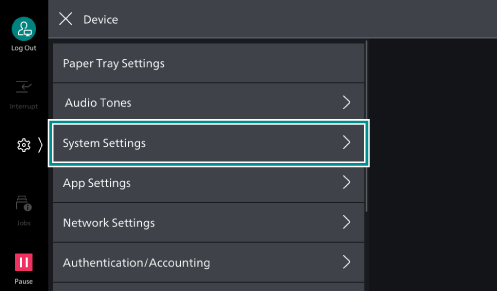
- Tap on [System Settings].
- Tap on [Screen/
Button Settings ].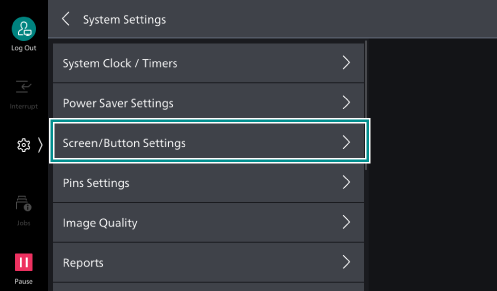
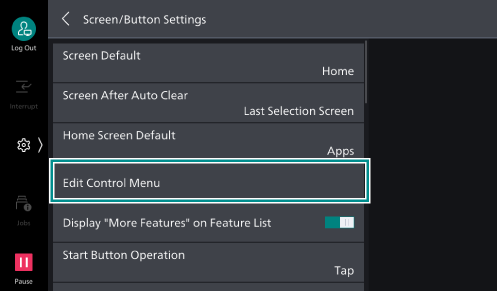
- Tap on [Edit Control Menu].
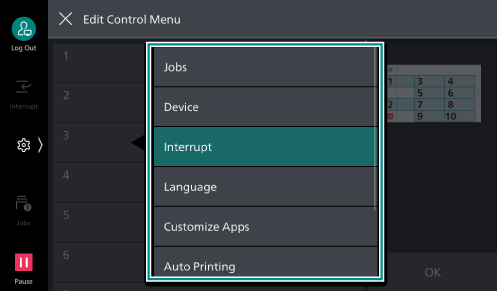
- By referring to the layout on the right side of the screen, tap on the number for the location where you want to position a feature button, and select the target feature to position.
- Tap on [OK].