
Setting up IP Fax (SIP)
IP Fax (SIP) is a generic term for Internet fax devices which are compliant with international standards (ITU-T Recommendations T.38).
IP Fax (SIP) allows devices that are connected to a company IP network (intranet) to communicate with each other.
You need to configure the following settings in order to use the feature.
Setting the IP Address
Set the IP address of the machine by referring to Setting the IP Address.
Setting the [SIP] Port
- Log in to Administrator Mode.
- Tap on
 on the Home screen.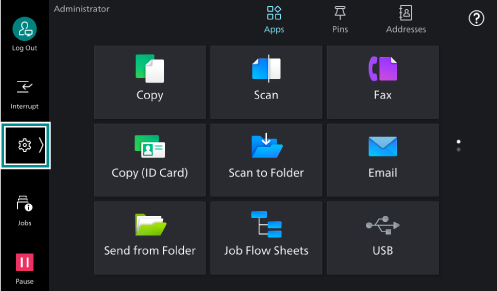
- Tap on [Device].
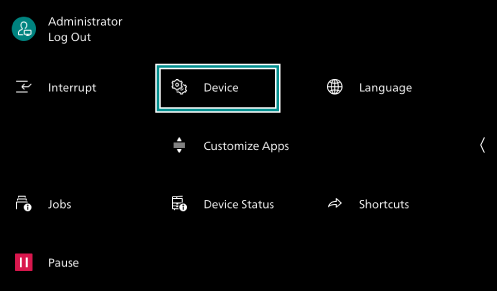
- Tap on [Network Settings].
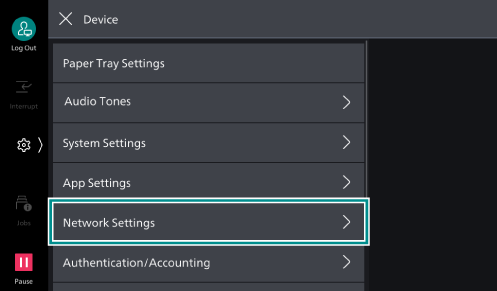
- Tap on [Port Settings].
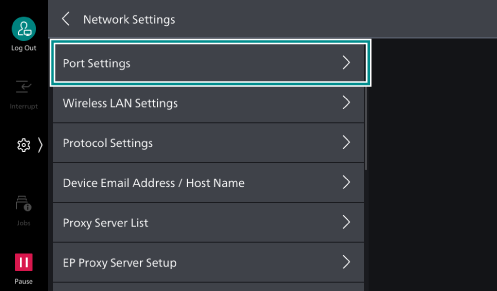
- Tap on [SIP].
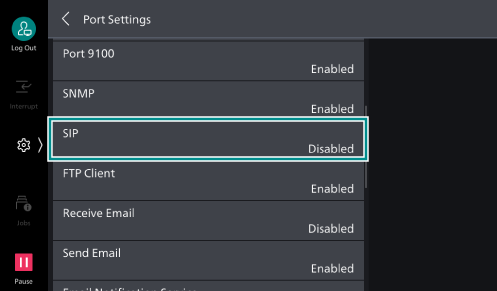
- Tap on [Port Status].
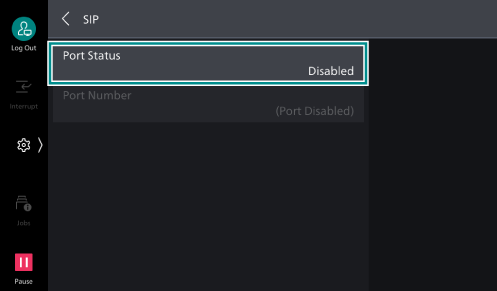
- Tap on [Enabled].
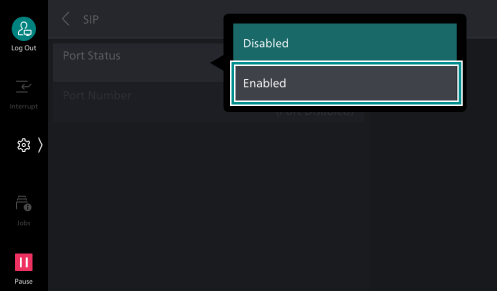
- Tap on [<] to return to the [Network Settings] screen.
Setting the SIP Device Address
- Tap on [SIP Settings] on the [Network Settings] screen.
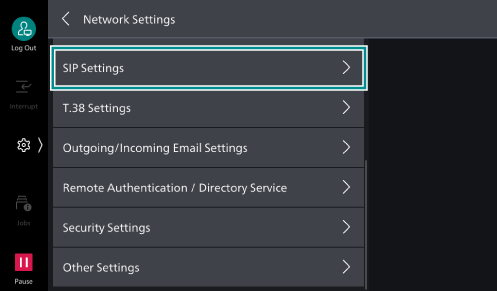
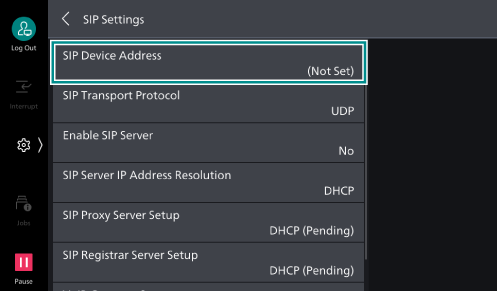
- Tap on [SIP Device Address].
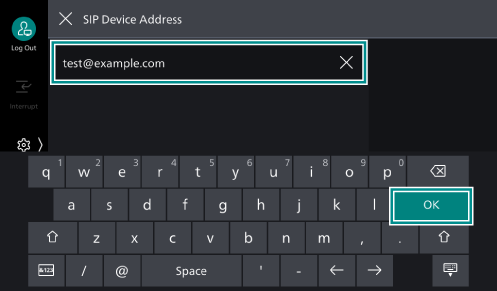
- Enter [SIP Device Address] and tap on [OK].
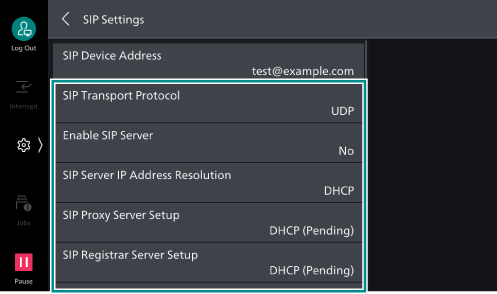
- As needed, configure the setting items.
Setting Your Local Terminal Information
Configured the settings by referring to Setting Your Local Terminal Information.
Note
After you have configured the settings, press the <Home> button. Restart the machine if a message appears prompting you to do so.