
Setting up Scan to Folder
Scan to Folder is a feature for saving scanned data in the folder on the machine.
You need to configure the following settings in order to use the feature.
Setting the IP Address
Set the IP address of the machine by referring to Setting the IP Address.
Setting the [SNMP], [SOAP] and [WebDAV] Ports
- Log in to Administrator Mode.
- Tap on
 on the Home screen.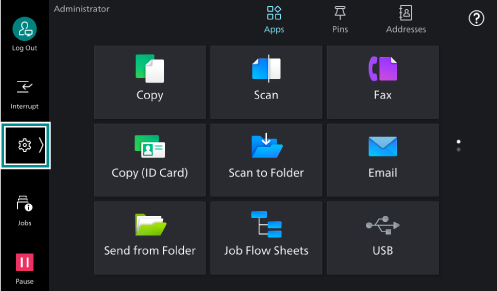
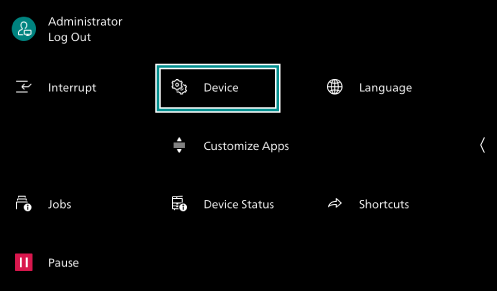
- Tap on [Device].
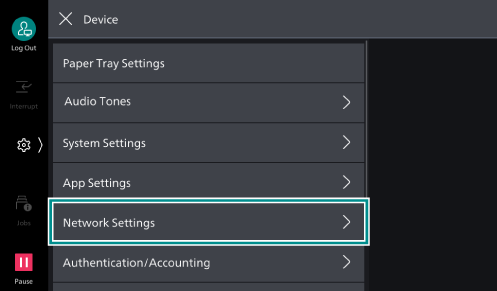
- Tap on [Network Settings].
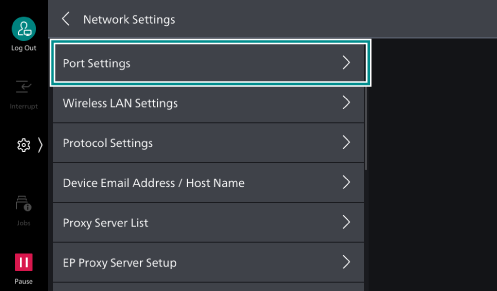
- Tap on [Port Settings].
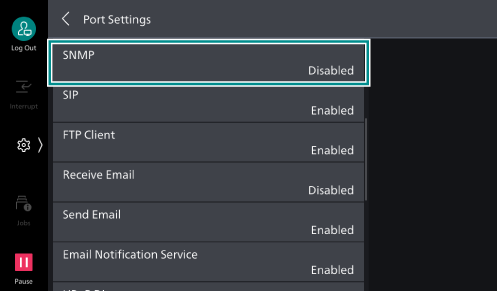
- Tap on [SNMP].
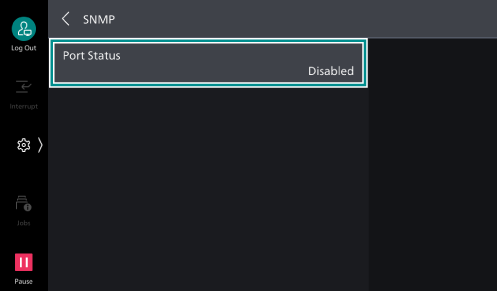
- Tap on [Port Status].
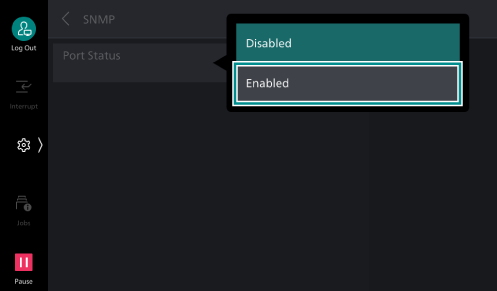
- Tap on [Enabled].
- Tap on [<] to return to the [Port Settings] screen.
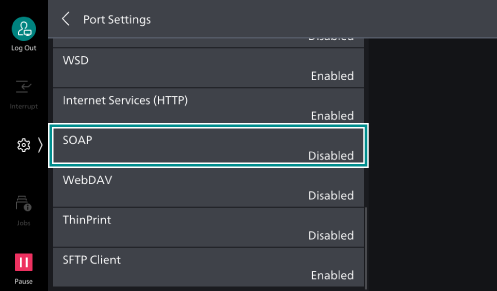
- Tap on [SOAP].
- Tap on [Port Status].
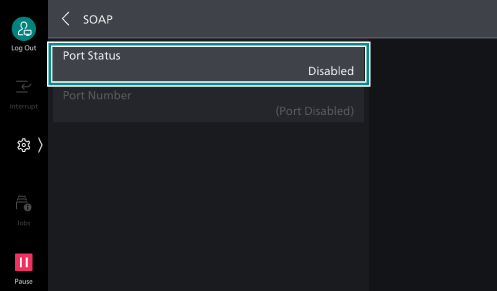
- Tap on [Enabled].
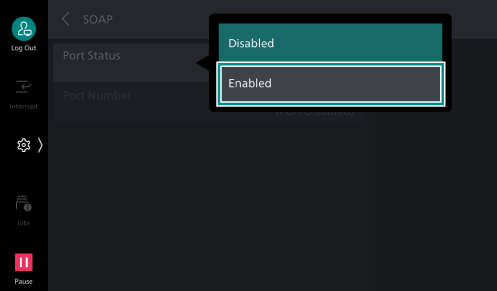
- Tap on [<] to return to the [Port Settings] screen.
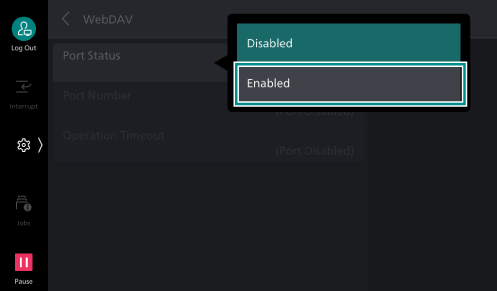
- Tap on [WebDAV].
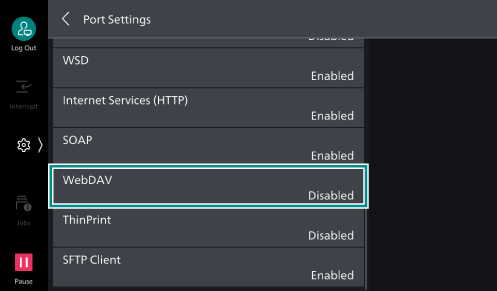
- Tap on [Port Status].
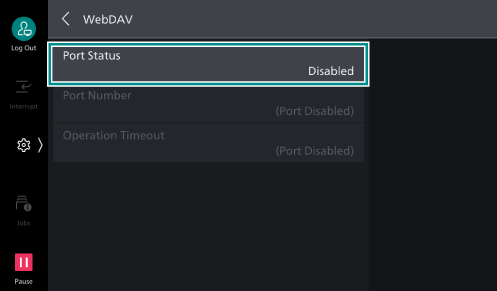
- Tap on [Enabled].
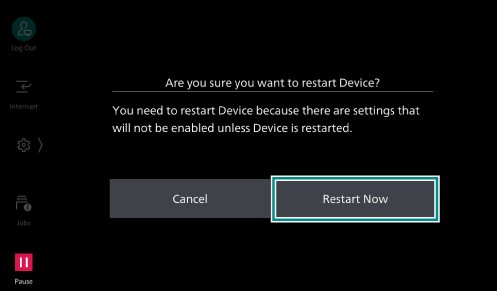
- Press the <Home> button.
- Tap on [Restart Now].
Registering a Folder
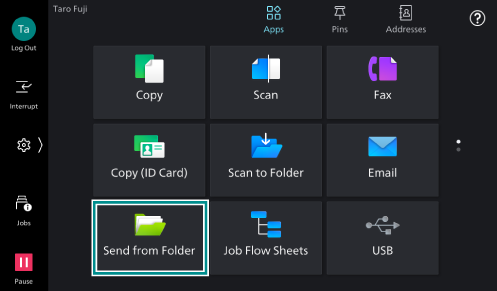
- Tap on [Send from Folder].
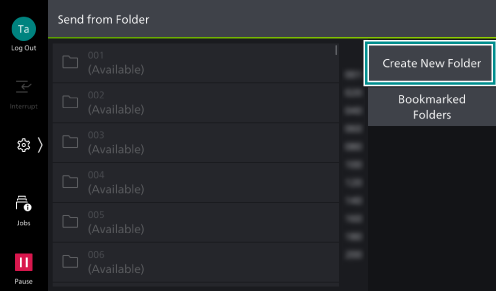
- Tap on [Create New Folder].
- Tap on the folder to be registered.
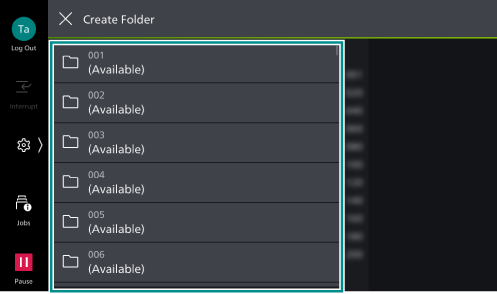
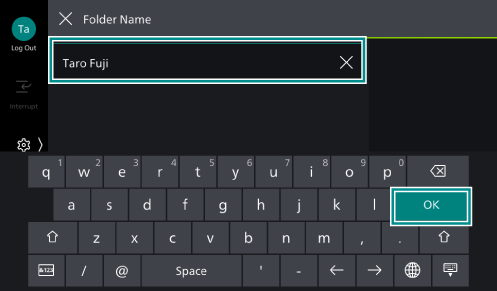
- Enter a name for the folder, and tap on [OK].
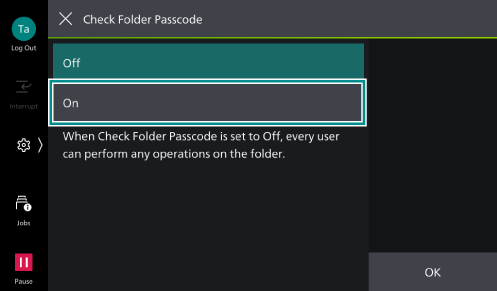
- When you set the access control for the folder, operate as follows.
- Tap on [On].
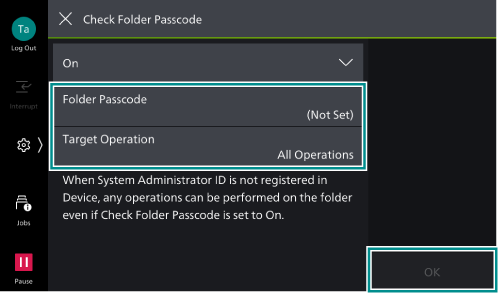
- Set each item as needed, and tap on [OK].
Item
Description
[Folder Passcode]
Enter the password for use with the folder.
[Target Operation]
Specify the operations that require a password when using the folder.
- Tap on [On].
- Set each item as needed, and tap on [OK].
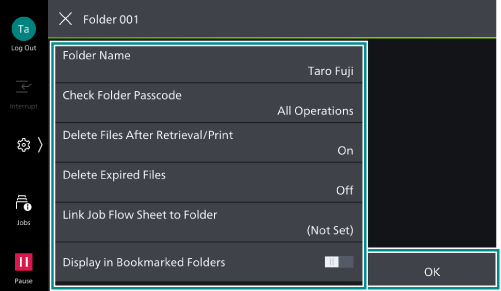
Item
Description
[Delete Files After Retrieval/
Print ]After retrieve or print a file, set whether or not to delete a file.
[Delete Expired Files]
Files that have been saved in a folder are deleted after the saving period has passed.
[Link Job Flow Sheet to Folder]
A job flow sheet can be associated with a folder. It is possible to set the method of processing a file saved within a folder by linking to a job flow sheet in which is registered a series of actions.
[Permitted Network]
Set the network to be used for saving or retrieving files. If a document is saved in the folder, the settings cannot be changed.
[Display in Bookmarked Folders]
If it is set enabled it is displayed in [Bookmarked Folders] on the [Send from Folder] screen. Up to 10 folders can be set.