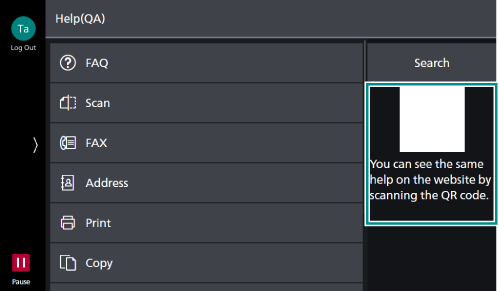
Using the Help
You can check how to operate the machine, or look at details about an error code appearing on the touch panel.
- Tap on
 on the Home screen.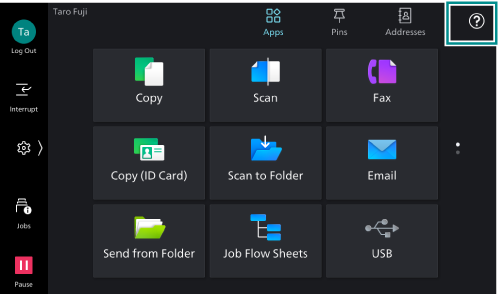
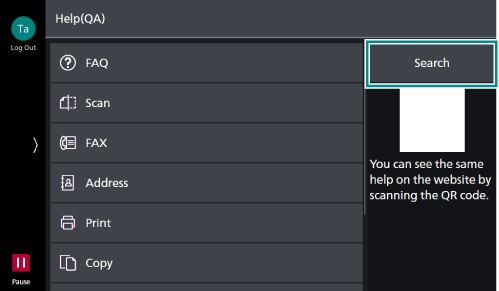
- Tap on the desired way how to check:
To check from a category
- Tap on the category related to the item you want to check.
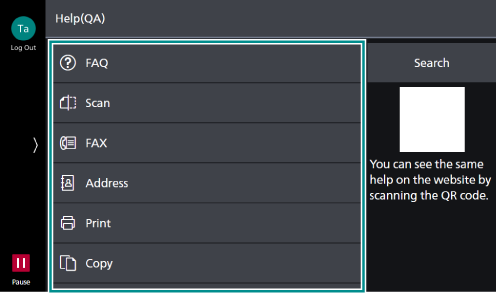
- Tap on an item you want to check.
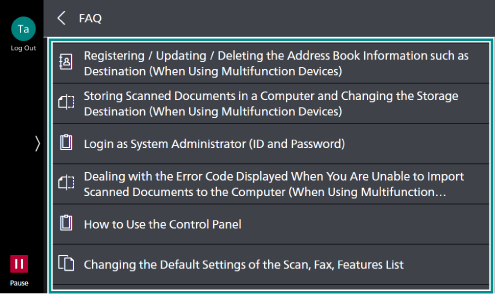
To check by searching
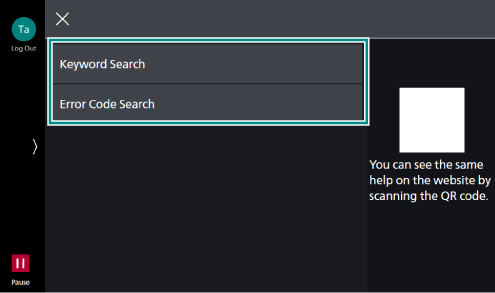
- Tap on [Search].
- Tap on the desired way how to search, and look for the item you want to check.
To check on the web site
- Scan the QR code with your mobile device and look for the item you want to check.