To Use Recipient Groups for Fax/Email
You can register recipients for [Email] or [Fax] with a recipient group. You can also exclude some of the recipients from the target group at the time of transmission.
Note
The recipient addresses must be registered with the Address Book before you can include them in a recipient group.
A registered recipient group cannot be added to another recipient group.
Registering Recipient Groups
The following describes the example of creating a fax group.
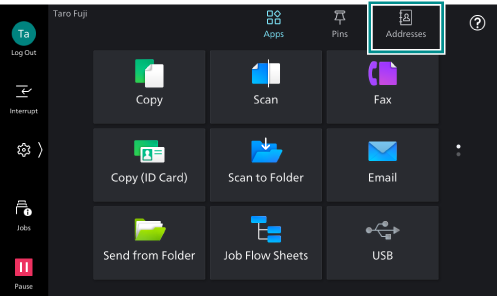
- Tap on [Addresses] on the Home screen.
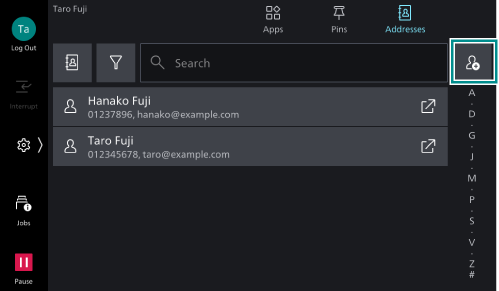
- Tap on
 .
.
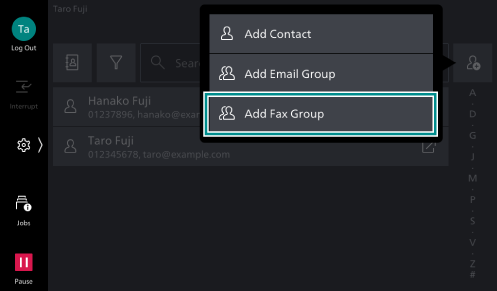
- Tap on [Add Fax Group].
- Tap on [Fax Group Name].
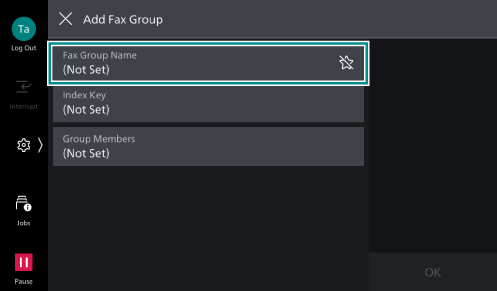
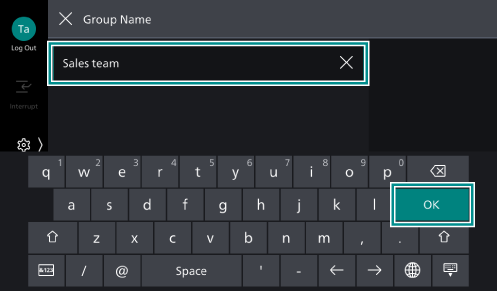
- Enter a group name to register, and tap on[OK].
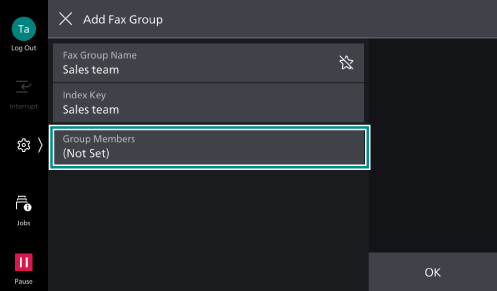
- Tap on [Group Members].
- Tap on [Edit].
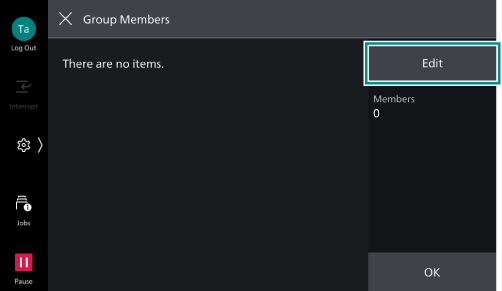
- Select recipients you want to add to the group, and tap on [OK].
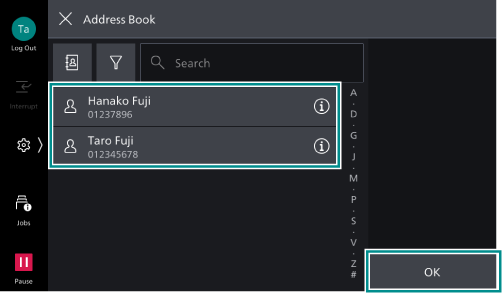
- Tap on [OK].
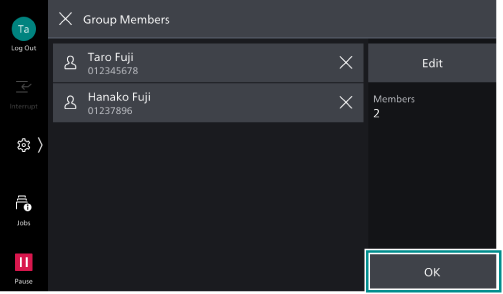
- Tap on [OK].
Using Recipient Groups
The following steps show you an example of sending a fax by using a recipient group.
- Tap on [Fax] on the Home screen.
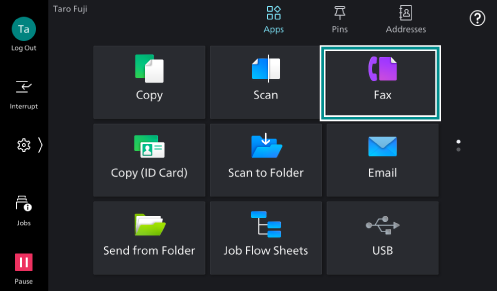
- Tap on the Address Book icon
 .
.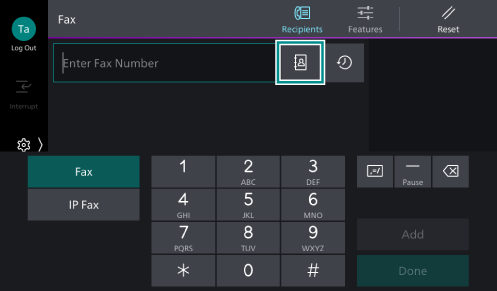
- Select a recipient group, and tap on [OK].
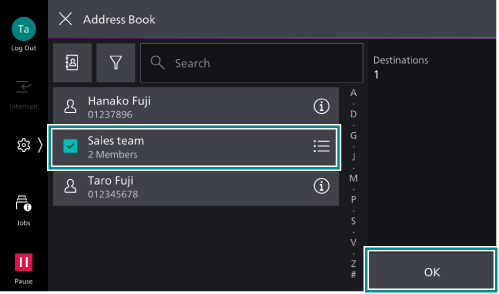
Note
To limit the transmission to specific recipients within a group, tap on
 of the recipient group and select the recipients from the displayed list, then tap on [OK].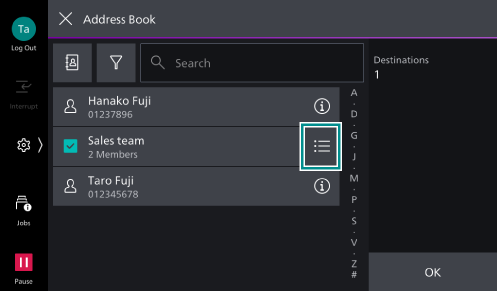
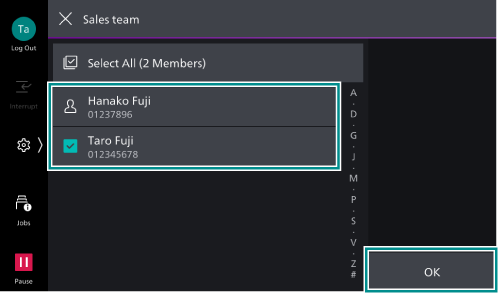
The recipients you select here will be reflected as individual recipients.
- As needed, tap on
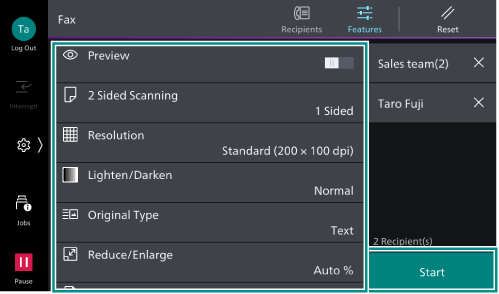
 ([Features]) on the upper side of the screen to set other items, and tap on [Start].