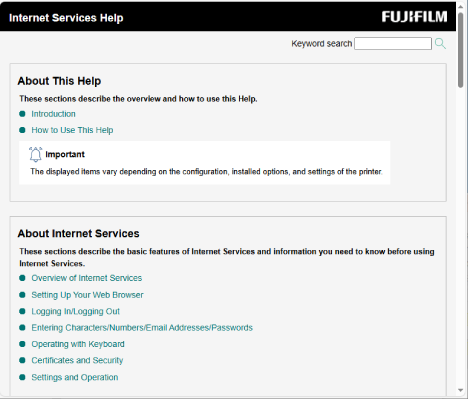
Using Internet Services
Internet Services is a service that uses a web browser to display the machine’s status and job history, and also change machine settings.
This service can be used at a client computer connected over a network with the machine in a TCP/IP environment.
Checking the Connection Destination Address
- Tap on
 on the Home screen.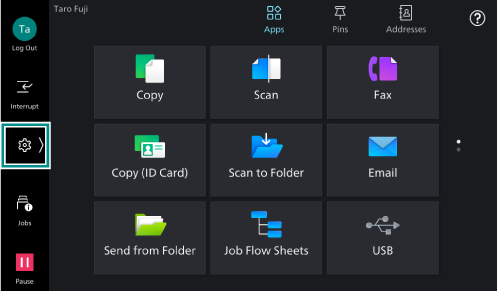
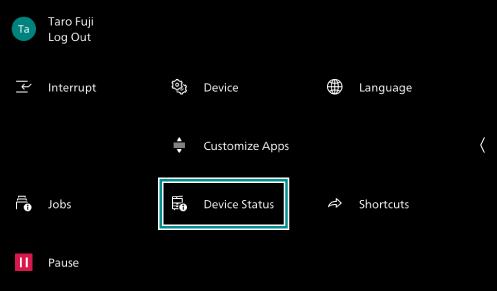
- Tap on [Device Status].
- Tap on [URL of Internet Services].
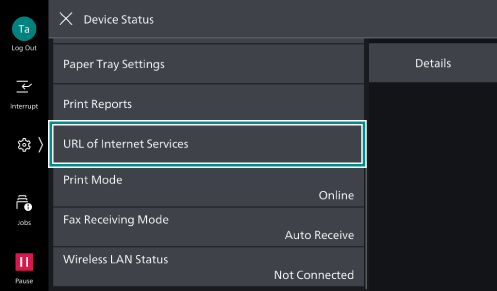
- Check the IP address of the machine.
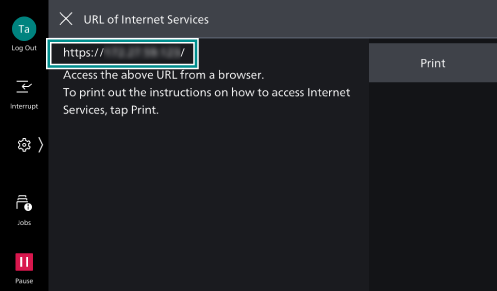
Note
Tapping on [Print] allows you to print the IP address.
Accessing Internet Services
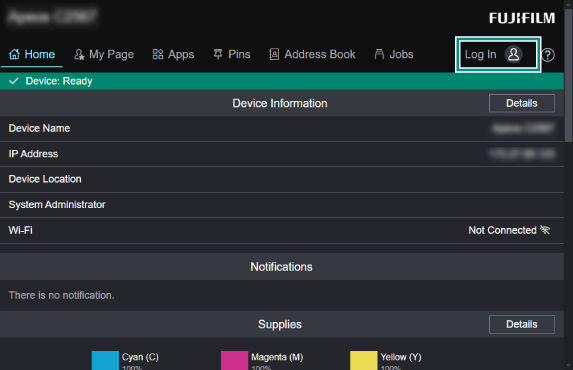
- Start the web browser.
- Enter the machine’s IP address or Internet address in the web browser’s address bar and then press the <Enter> key.
Note
If the network uses DNS (Domain Name System) and the machine’s host name has been registered at the DNS name server, the machine can be accessed using the Internet address that contains the host name and domain name. If the host name is “myhost” and the domain name is “example.com”, the Internet address will be “myhost.example.com”.
When setting the port number, use a colon “:” after the IP address or Internet address and then enter the port number.
- Click [Log In].
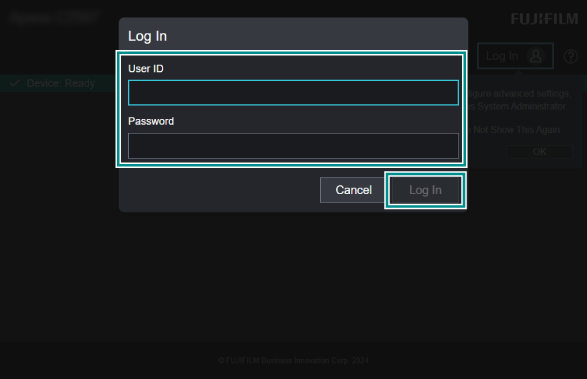
- Enter [User ID] and [Password], and click [Log In].
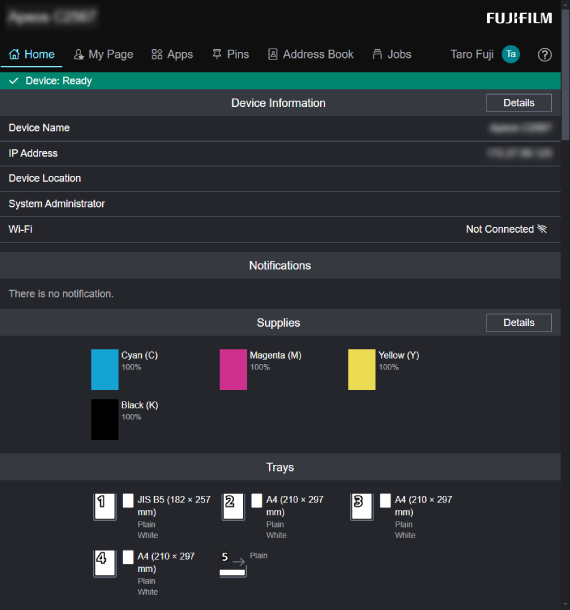
- Check each item as needed.
Using the Internet Services Help
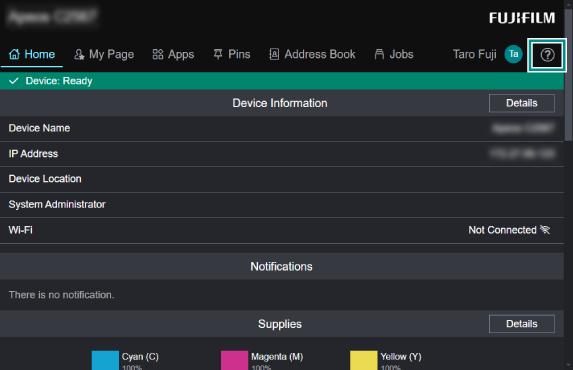
- Access Internet Services.
- Click
 .
.
- Click your language.
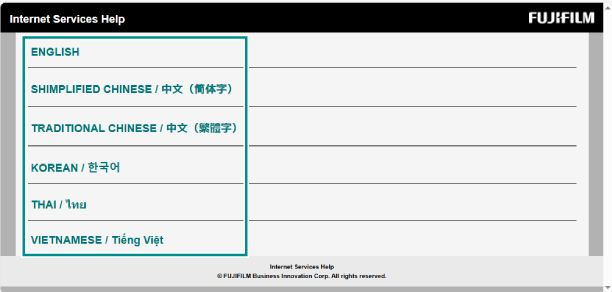
- Click the title you want to refer to.