To Darken the Text and Line on Copied Output
Adjusting Density
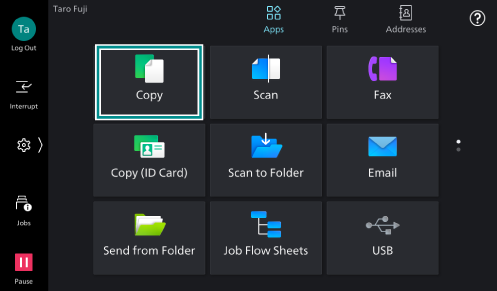
- Tap on [Copy] on the Home screen.
- Tap on [Lighten/
Darken ].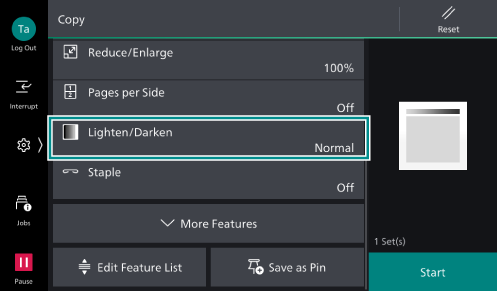
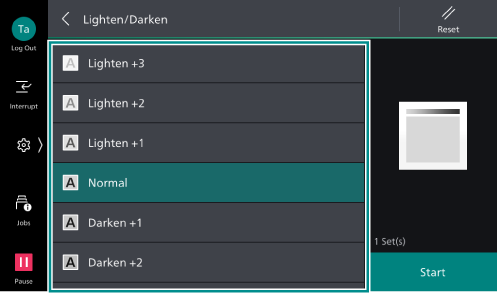
- Adjust the density level.
Changing Original Type
- Tap on [Copy] on the Home screen.
- Tap on [More Features], and then tap on [Original Type] among the displayed menu.
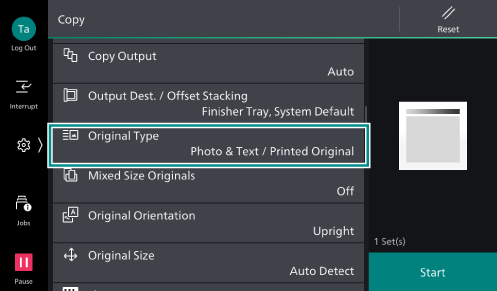
Note
Depending on the customization, [Original Type] appears even when you do not tap on [More Features].
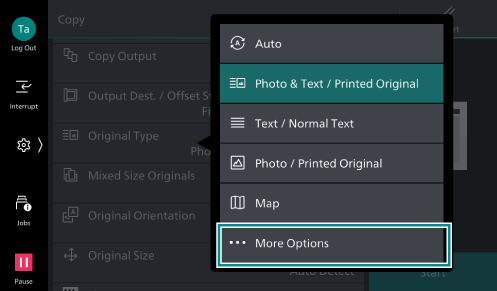
- Tap on [More Options].
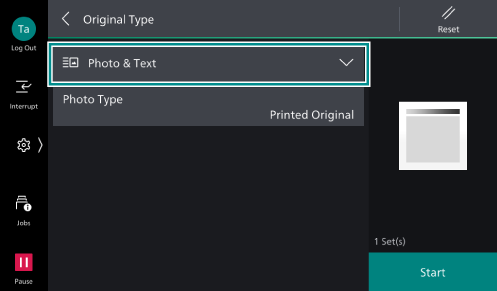
- Tap on the row of original type.
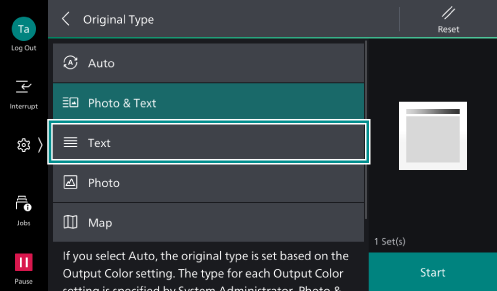
- Select [Text].
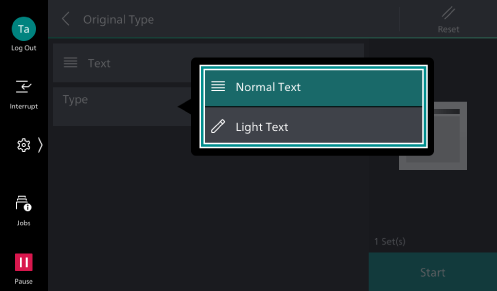
- Tap on [Type].
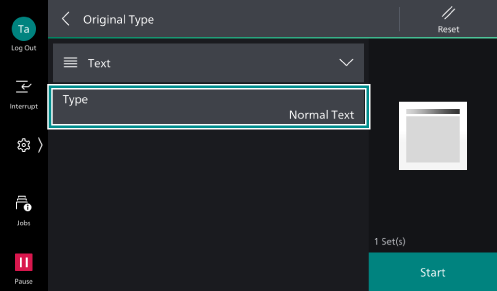
- Select [Normal Text] or [Light Text] according to your original type.