Copy
Basic Operations
- Load the document.
Refer
For information on how to load originals, refer to Loading Originals.
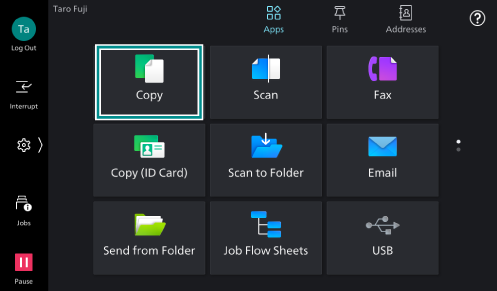
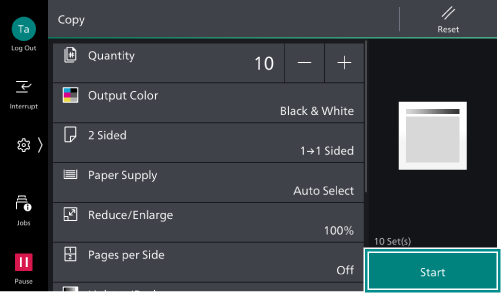
- Tap on [Copy].
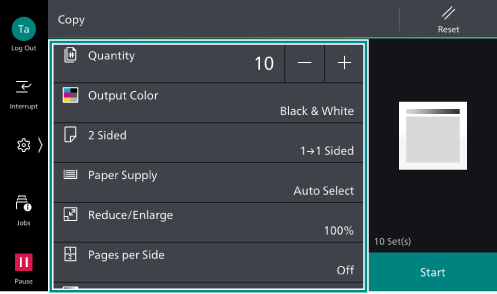
- Configure the print quantity and the setting items.
Simple View
If [Enable] is set for [Simple View] in Customizing the Apps Screen, the “Simple View” screen will appear, displaying fewer items in the features list. To configure the items that are not displayed in Simple View, tap on
 ([Normal View]).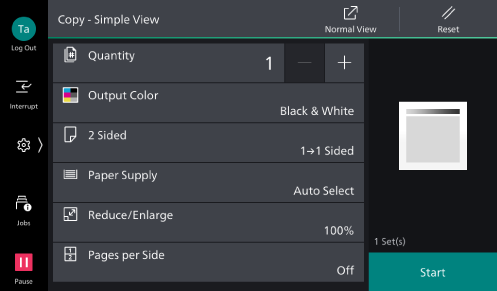
Note
Tap on
 ([Reset]) when turning the setting value to default.
To specify the output destination, tap on the tray name in [Output Dest. /
Offset Stacking ] to select the output tray.
- Tap on [Start].
Pausing Copying
- Tap on
 or [Pause].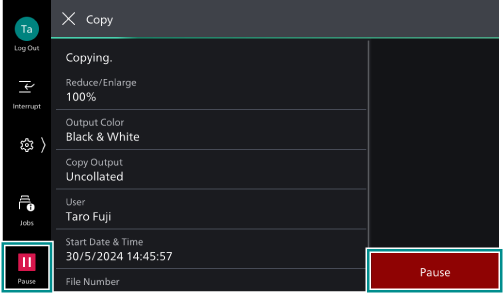
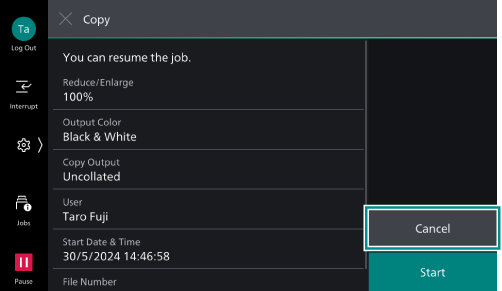
- Tap on [Cancel].
Continuous Copying
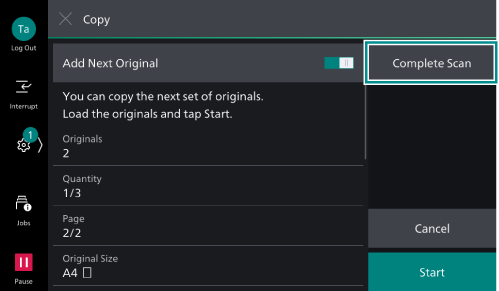
The following confirmation screen appears when [Next Original] is enabled on the feature list.
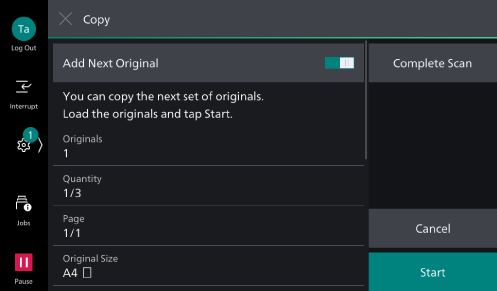
- When reading the previous document is completed, load the next document.
- Tap on [Start].
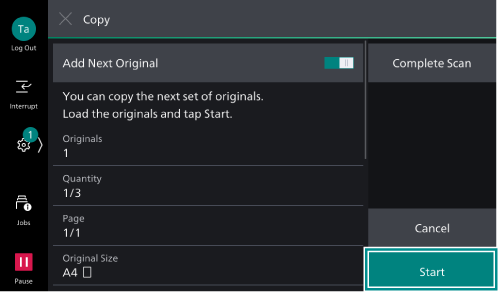
- When all the documents have been scanned, tap on [Complete Scan].