Hiding the Setting Screen when Uploading Files
This section describes the settings that enable documents to be automatically uploaded.
- Click [Start] > [FUJIFILM IWpro] > [Print Tool].
- Click [Log In] and log in to Print Tool.
- For information on logging in, see Logging In in "Getting Started with FUJIFILM IWpro".
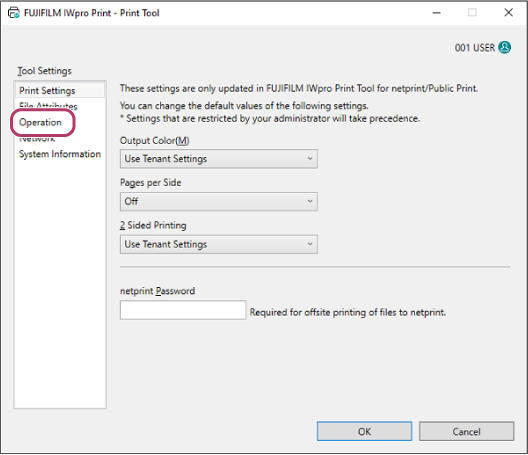
- On the initial setup screen, click [Operation].
- On the [Operation] screen, select the [Do not display setting screen after printing (sending)] check box.
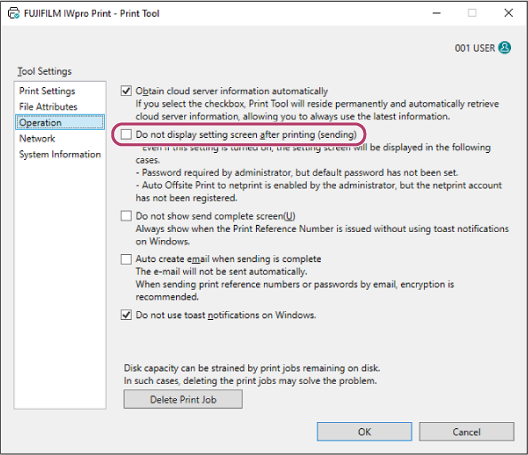
- Configure the other items as required.
- Configure the various items as required on the [Print Settings] screen or [File Attributes] screen.
- Click [OK].