Creating/Changing/Deleting a Group
By setting the same groups as device groups to users, the setting information of users can be reflected to the devices in the same group. This function is useful when you manage multiple device types and want to separate the users to register by device. You can create and delete groups.
Groups you create can be configured on the [Properties] screen for a user in [User Management] and the [Properties] screen of the device in [Device Management].
- This function is available when [Auth. Setting by] is set to [On] on the [Properties] screen of the device.
- A maximum of 1,000 users can be registered for devices when the authentication method is set to local device authentication.
- In the following cases, Device Management stops sending setting information to devices affected by the "setting group". To resume the process, click [Resume Update Reception for All Devices] on the [List of Registered Device] screen.
- If the "setting group" is changed on the [Properties] screen for a device or the [Properties] screen for a user
- If the "setting group" is changed when changing devices and users with a CSV file
- Log in to FUJIFILM IWpro with the account of an administrator.
- For information on logging in, see Logging In in "Getting Started with FUJIFILM IWpro".
- In the launcher menu, click [Admin Menu] > [Device Management].
- In the [Device Management] menu, click [Setting Group Management] in [System Settings].
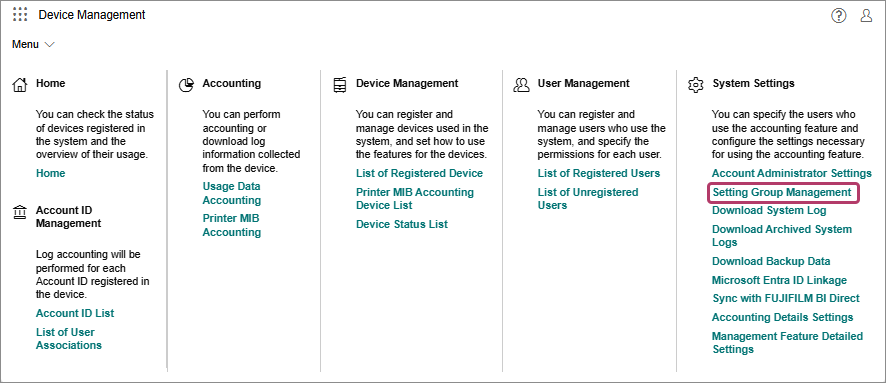
- On the [Setting Group Management] screen, perform the following operations.When Creating a Group
- Click [Add].
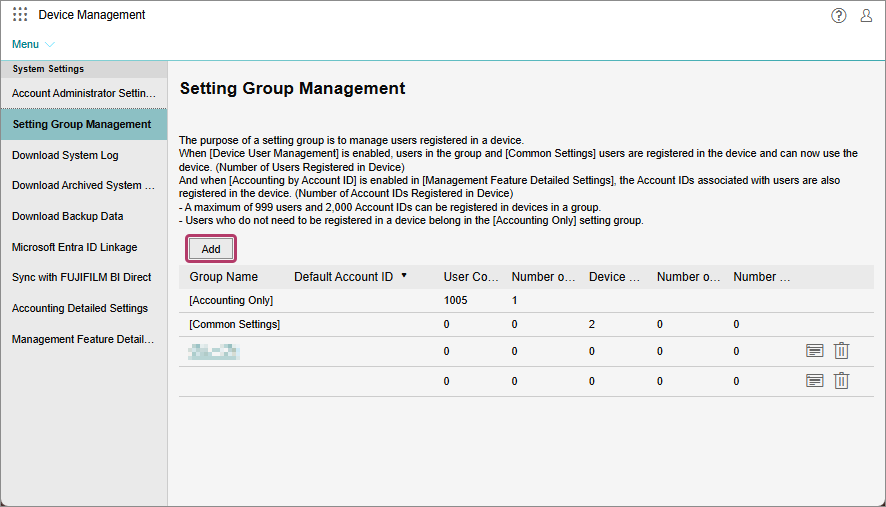
- On the [Add Setting Group] screen, enter the group name, and click [OK].
- When performing accounting by account ID for the job of a user without an account ID assigned, set [Default Account ID]. If [Default Account ID] is set, accounting is possible with the set account ID, even if an account ID is not assigned to a user in that group.
- To set [Default Account ID], enable [Select Default Account ID]. Select the account ID to associate with the group from the displayed account IDs.
When Changing a Group Name- Click [
 ] for the group to change the name of.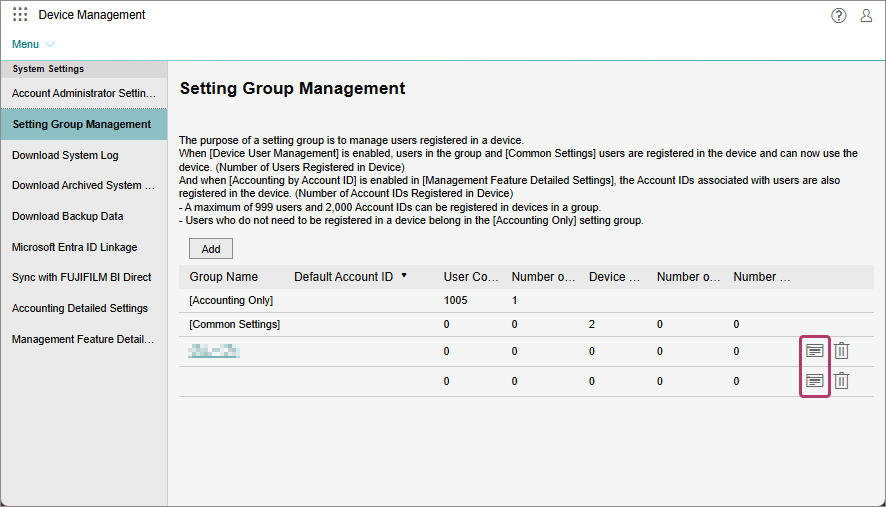
- On the group name edit screen, enter the new group name, and click [OK].
- You cannot change the name of the [Basic Settings] or [Accounting Only] group.
When Deleting a Group- Click [
 ] for the group to delete.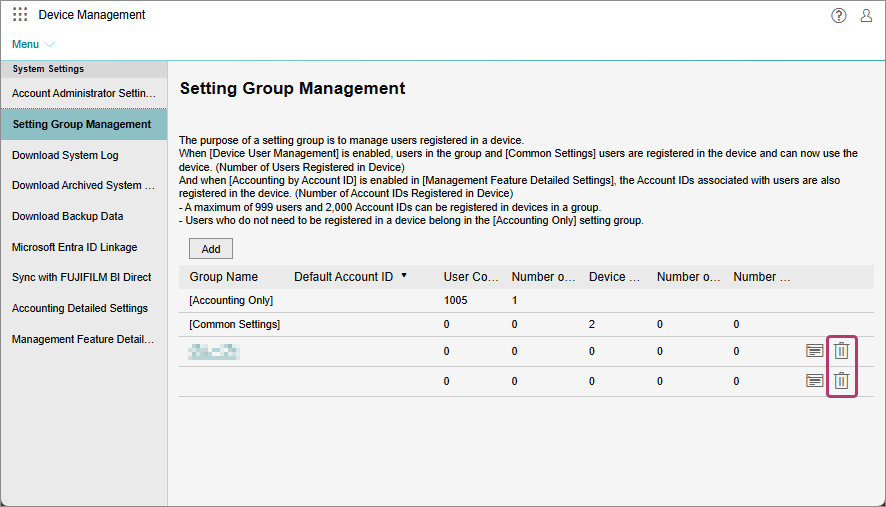
- On the displayed confirmation screen, click [OK].
- You cannot delete the [Basic Settings] or [Accounting Only] group.
- You cannot delete a group where devices belong. Change the devices to another group before deleting the group.
- Click [Add].