Options Screen
This screen is displayed by clicking [Other operations] > [Options] for the extension from [Extensions] in Google Chrome or the screen immediately after logging in.
It enables you to configure the network, operation, and default values for sending files.
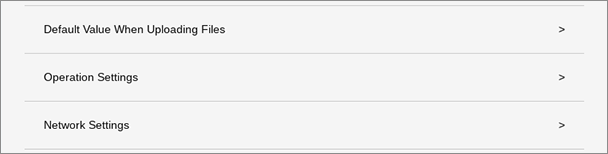
[Default Value When Uploading Files]
Displays the [Default Value When Uploading Files] screen.
[Operation Settings]
Displays the [Operation Settings] screen.
[Network Settings]
Displays the [Network Settings] screen.