Printing Stored Documents in Workspace
You can print documents stored in Personal Postbox, tray, or workspace.
- Tap [FUJIFILM IWpro Capture] on the home screen of the device.
- Log in.
- For information on logging in, see Logging In in "Getting Started with FUJIFILM IWpro".
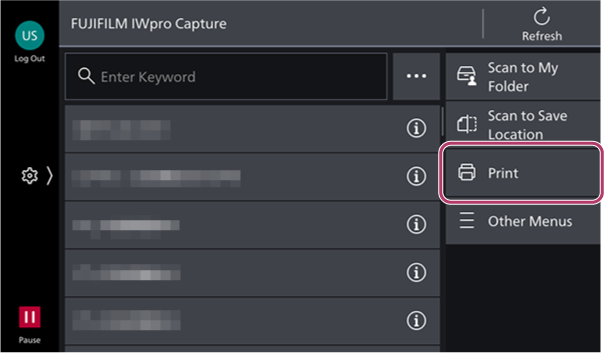
- Tap [Print] on the rule selection screen.
- Perform the following operations.When Printing Documents Stored in Personal Postbox
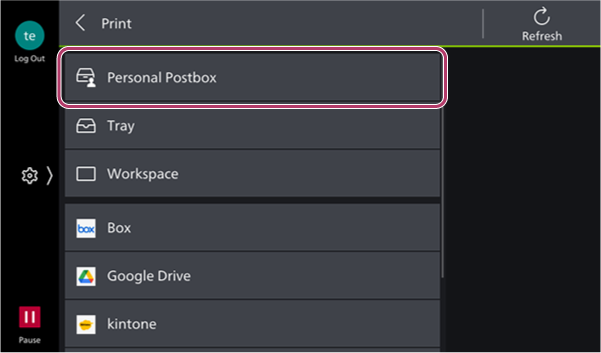
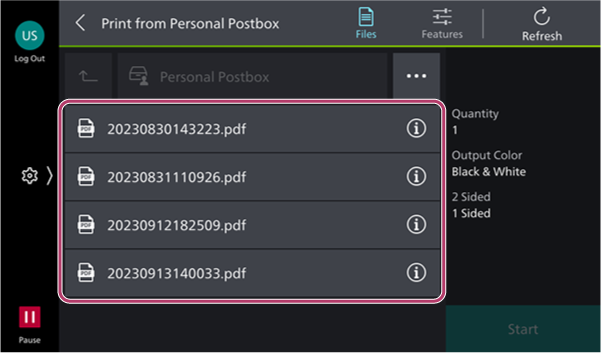
- Tap [Personal Postbox] on the [Print] screen.
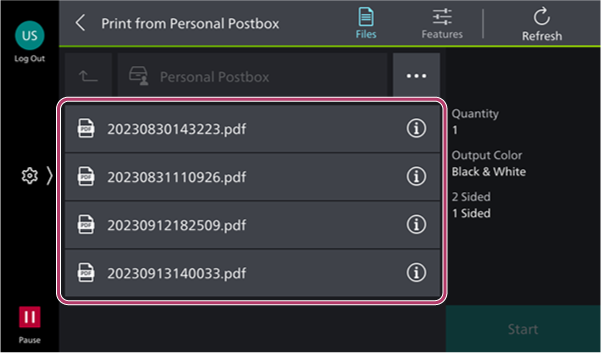
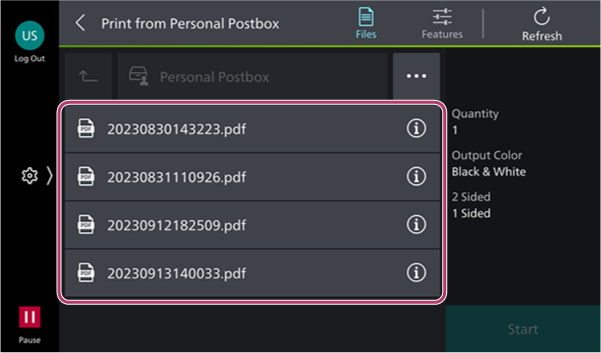
- On the document selection screen, select the document to print.
- To change the print settings, tap [
 ].
].
- To change the print settings, tap [
- Tap [Start].
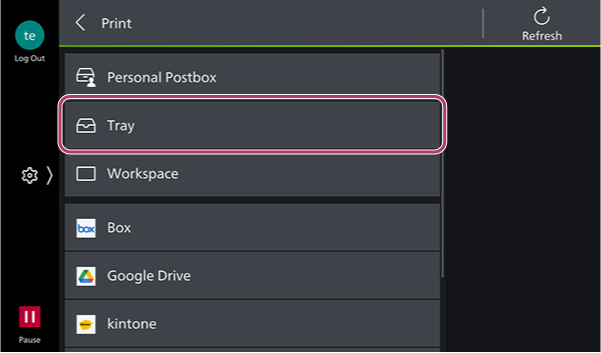
When Printing Documents Stored in a Tray- Tap [Tray] on the [Print] screen.
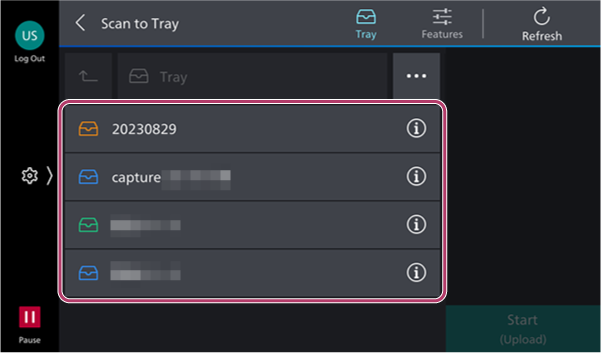
- On the tray selection screen, select the tray where the document to print is stored.
- On the document selection screen, select the document to print.
- To change the print settings, tap [].
- To change the print settings, tap [
- Tap [Start].
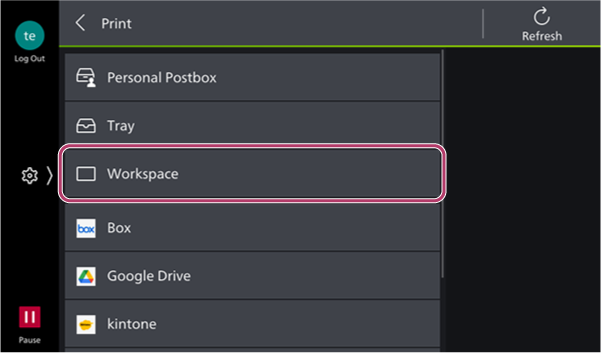
When Printing Documents Stored in a Workspace- Tap [Workspace] on the [Print] screen.
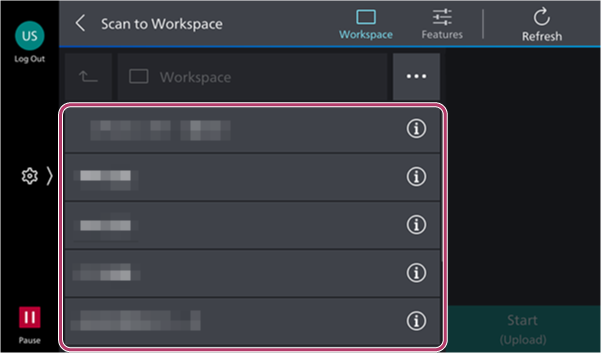
- On the workspace selection screen, select the workspace where the document to print is stored.
- On the document selection screen, select the document to print.
- To change the print settings, tap [].
- To change the print settings, tap [
- Tap [Start].
- Tap [Personal Postbox] on the [Print] screen.