Perform the following operations.Saving to Personal Postbox
- Tap [Scan to My Folder] on the rule selection screen.
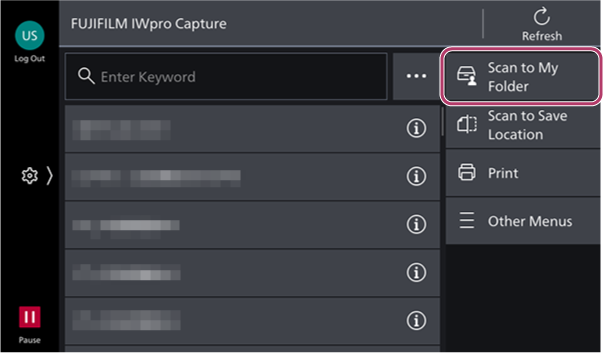
- If required, tap [
 ] and change the scan settings.
- Tap [Start].
Saving to a Tray
- On the rule selection screen, tap [Scan to Save Location].
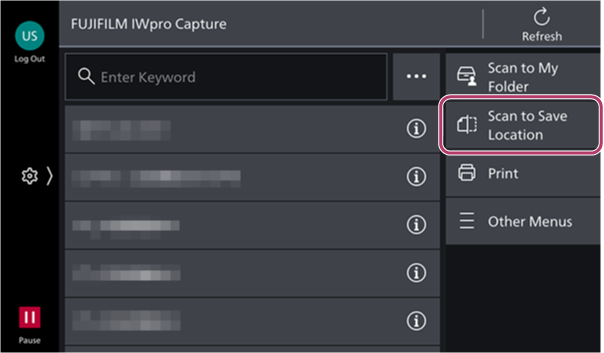
- Select [Tray] on the [Scan to Save Location] screen.
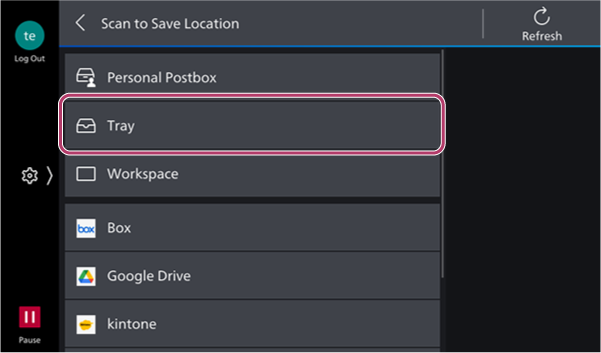
- On the tray selection screen, select the destination tray.
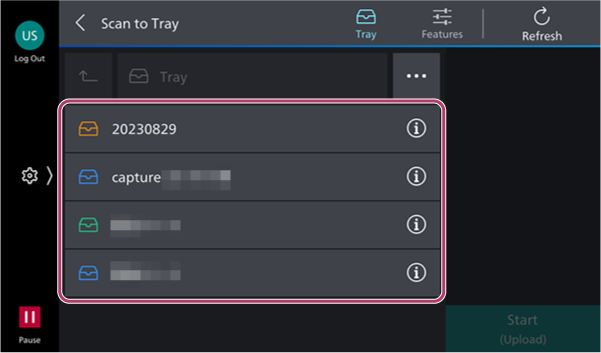
- To change the scan settings, tap [].
- Tap [Start].
Saving to a Workspace
- On the rule selection screen, tap [Scan to Save Location].
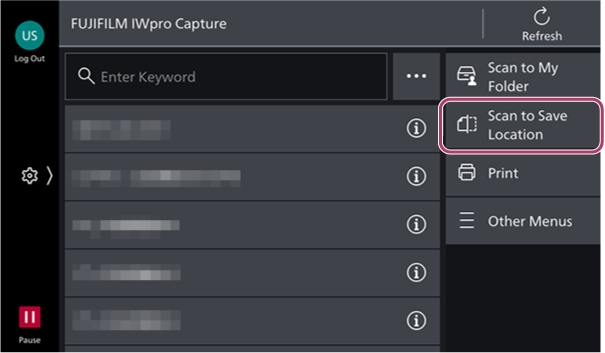
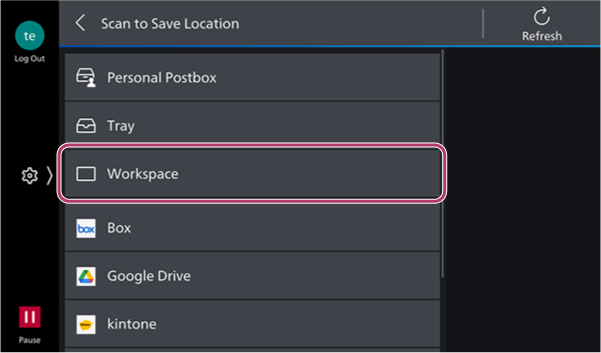
- Select [Workspace] on the [Scan to Save Location] screen.
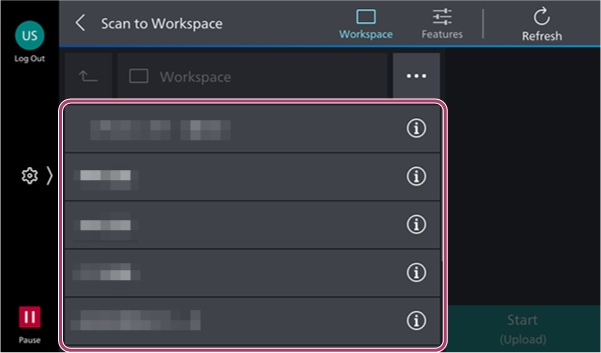
- On the workspace selection screen, select the destination workspace.
- To change the scan settings, tap [].
- Tap [Start].