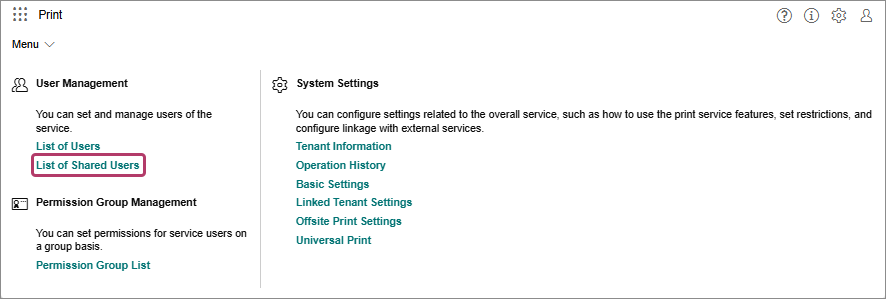
Perform the following operations.When Registering a Shared User
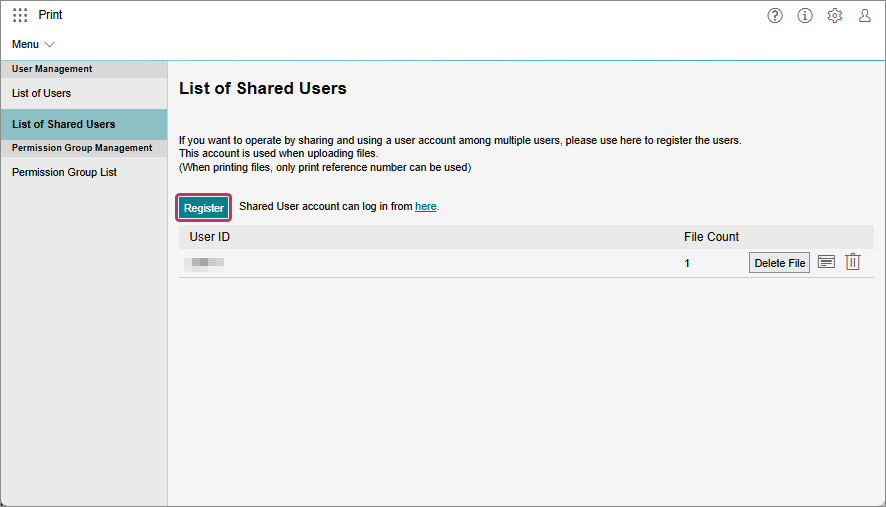
- On the [List of Shared Users] screen, click [Register].
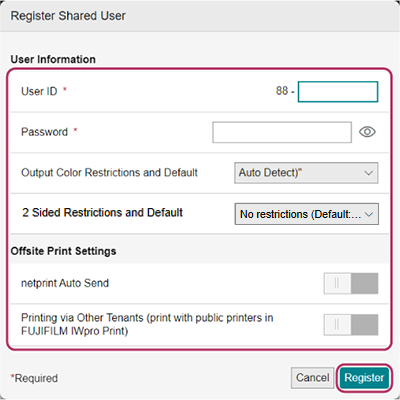
- On the [Register Shared User] screen, configure the various settings and click [Register].
When Deleting a Shared User
- On the [List of Shared Users] screen, click [
 ] for the user to delete.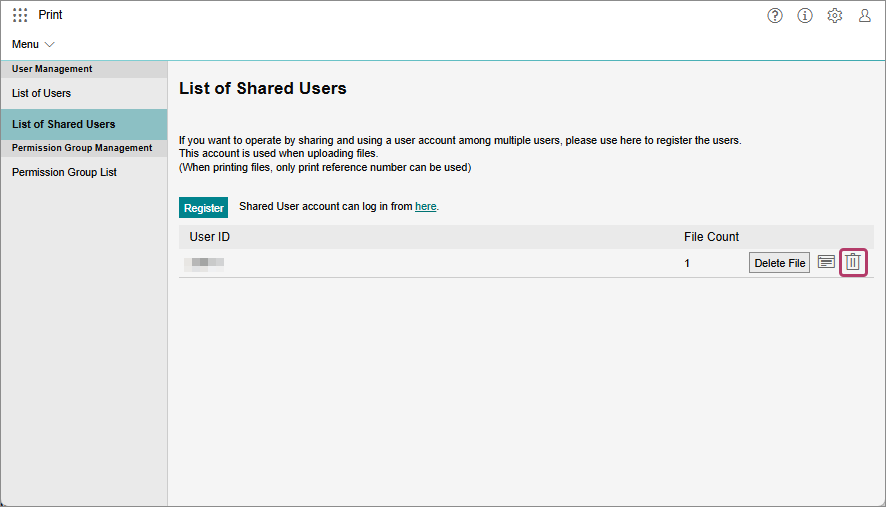
- On the displayed confirmation screen, click [OK].
- If a shared user is deleted, the jobs registered by that shared user are also deleted.
When Deleting the Uploaded Files of Shared Users
- On the [List of Shared Users] screen, click [Delete File] for the user ID to delete the files of.
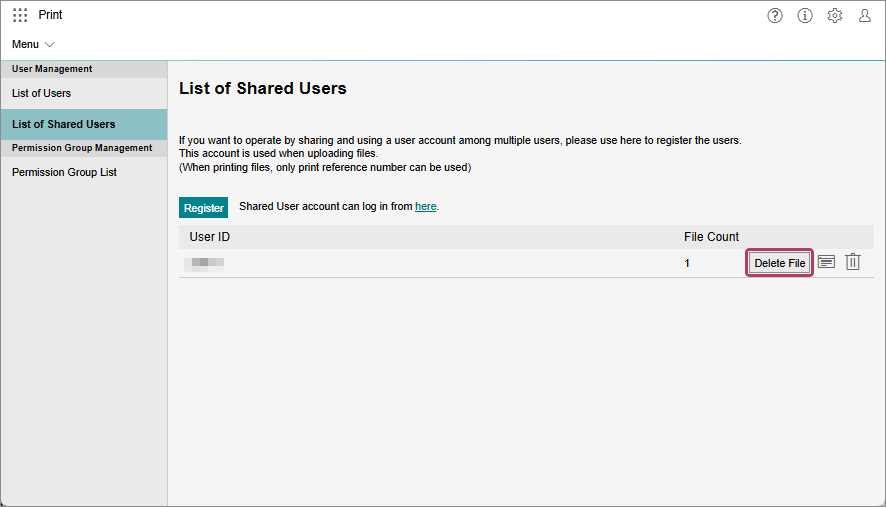
- On the displayed confirmation screen, click [OK].