[Add User] Screen
This screen is displayed by clicking [Add] on the [List of Registered Users] screen.
It enables you to register user information to use in the target devices for accounting. Select the item to change from the side menu.
- If [Auth. Setting by] is set to [On] for the device, user information is registered to the device by registering user information to Device Management and updating.
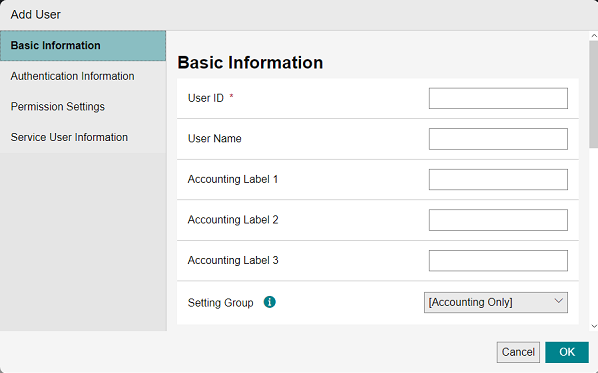
[User ID]
Enter the same value as the user ID registered to the target devices for accounting.
You can enter 32 double-byte characters or 64 single-byte characters.
- When reflecting user information to a device, the available characters depends on the device model and the settings. For details, see the manual of the device.
- For information on other items, see the [Properties] screen for a user.