Associating a User with Account IDs
You can associate a user with account IDs.
- Log in to FUJIFILM IWpro with the account of an administrator.
- For information on logging in, see Logging In in "Getting Started with FUJIFILM IWpro".
- In the launcher menu, click [Admin Menu] > [Device Management].
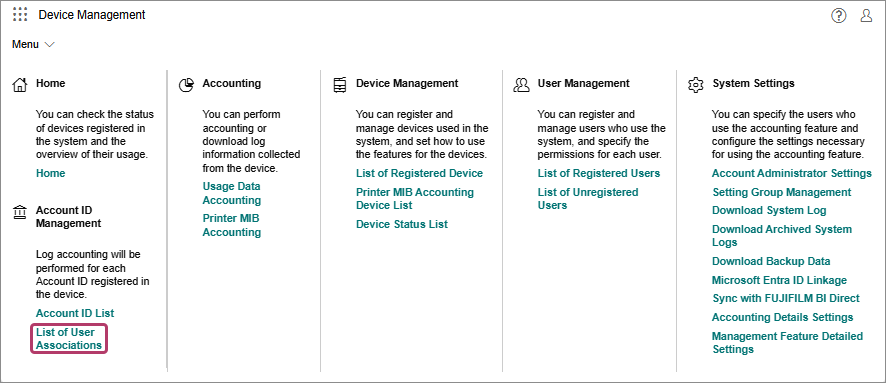
- In the [Device Management] menu, click [List of User Associations] in [Account ID Management].
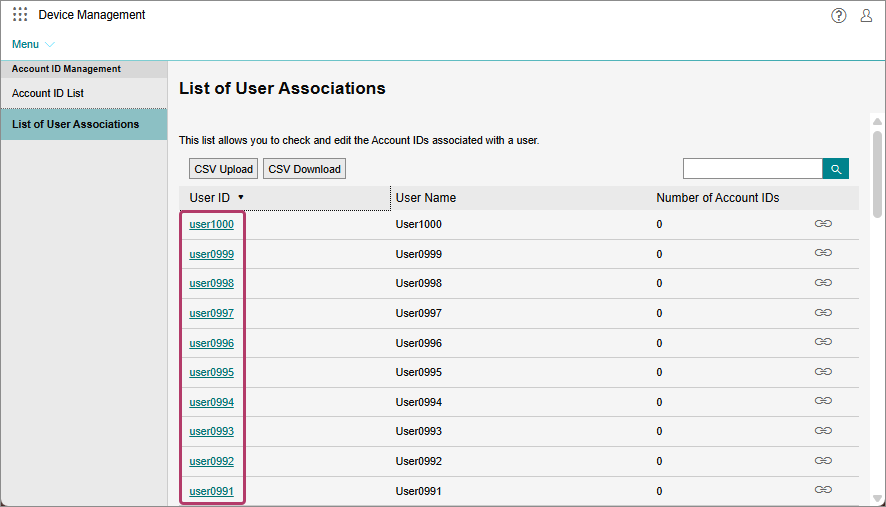
- On the [List of User Associations] screen, click the user to configure.
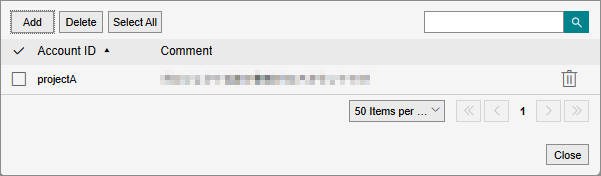
- On the [Account ID Associated with {User ID}] screen, associate the account ID.
- For information on the maximum number of account IDs that can be associated with a single user, see Notes and Restrictions.