Sending Files with a Chromebook
You can send files from a Chromebook to FUJIFILM IWpro Print.
- If you are not authenticated, log in to FUJIFILM IWpro. For information on logging in, see Logging In to a Tool or Mobile App in "Getting Started with FUJIFILM IWpro".
- A user that belongs to multiple tenants can select the tenant to use when logging in. When switching tenants, log in again.
- Open the file to send and execute printing.
- When the print preview screen is displayed, select [FUJIFILM IWpro Print] from [Destination].
- Configure the various items as required, and click [Print].
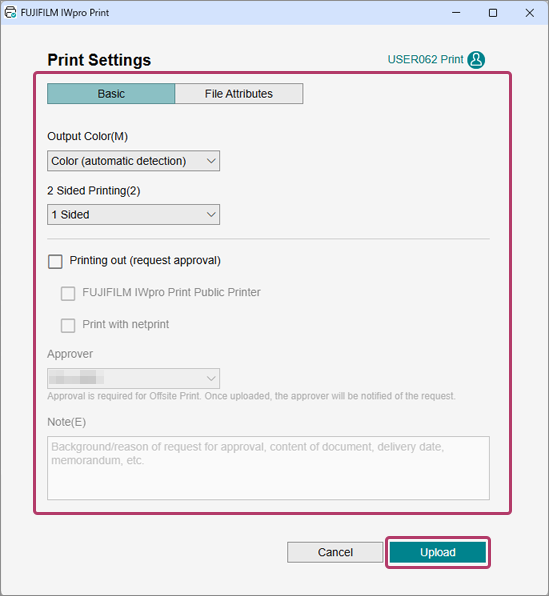
- On the print settings screen, configure the various items as required, and click [Send].