Displaying Revision Log
You can check the revision log by the following procedure.
Note
To enable this operation, it is necessary to set the items to be displayed in the document list area in advance. For details, refer to "Operations Displayed in [Document List]".
1.
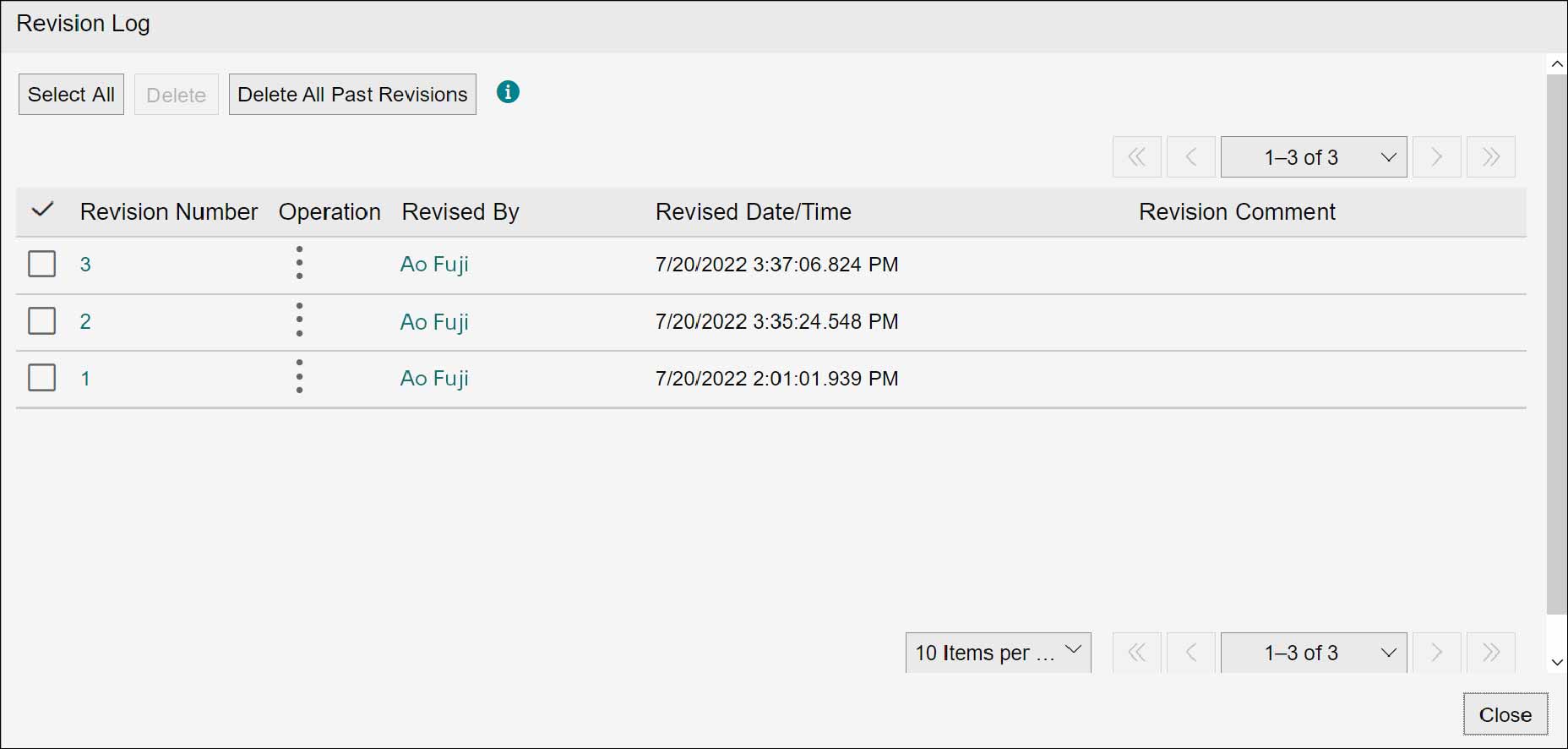
Click [Revision Log] from  of a document displayed in the document list area.
of a document displayed in the document list area.The [Revision Log] screen appears.
Note
- To check the contents of the document on the web browser, click the revision number.
- Click the name of the reviser, and the [User Information] screen appears and you can check the contact information and division of the reviser.