6.2 Publishing the Business Item Definition
After setting up the business item structure and views, publish the business item definition.
Once the business item definition is published, users will be able to add cases on the [Case List] screen of [Process].
Refer
For details of the [Case List] screen of [Process], refer to <User Guide>.
1.
On the [Manage Business Item Definitions] tab of the [Manage Business Item] screen for the “Contract Management” business item, select the business item definition in draft status, and click [Publish].
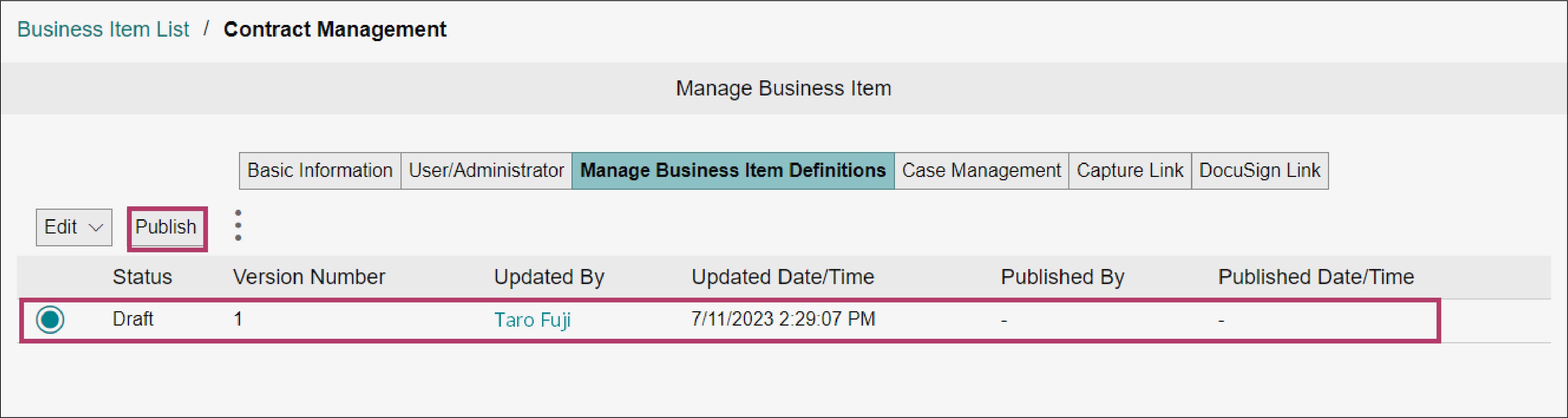
The [Publish Business Item Definition] screen appears.
Refer
For information on how to display the [Manage Business Item] screen of the “Contract Management” business item, refer to steps 1 to 3 in “4.1 Creating a Business Item Definition”.
2.
Click [OK].
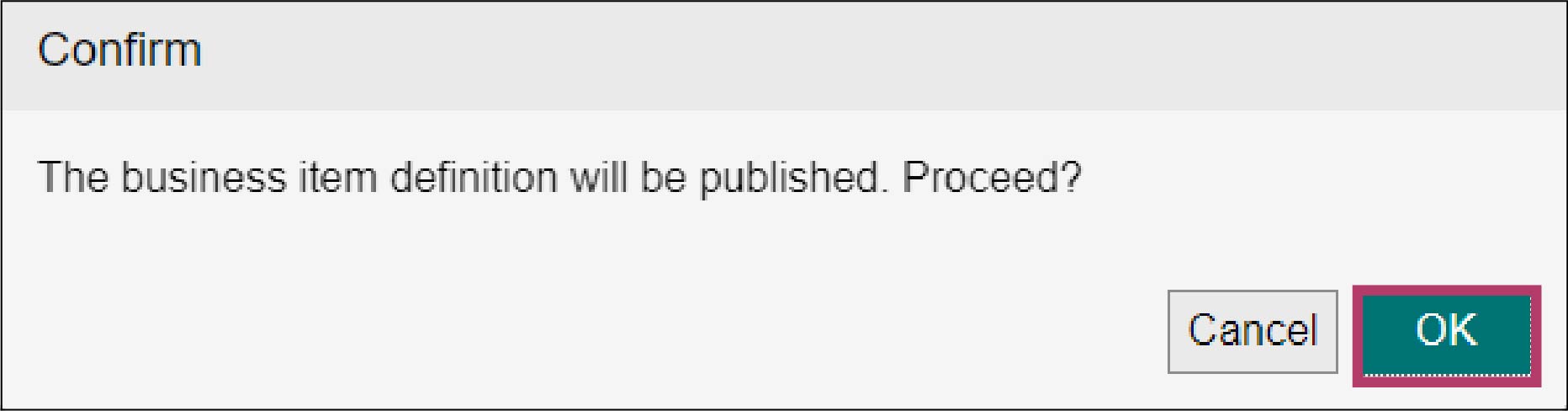
The [Business Item Definition Publishing Complete] screen appears.
3.
Click [Close].
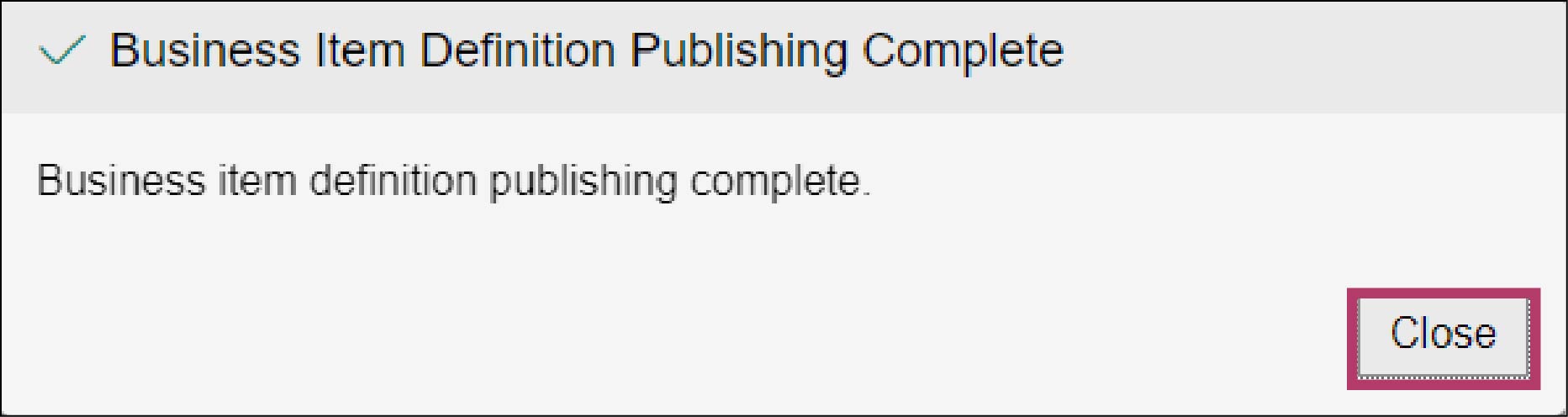
The [Status] of the business item definition changes to [Enabled].