[Batch Change of Properties] Screen
This screen is displayed by clicking [Properties] with multiple users selected on the [List of Registered Users] screen.
It enables you to configure the string to use for an accounting label to multiple users.
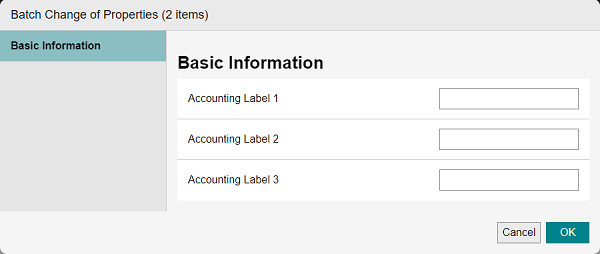
[Accounting Label 1 - 3]
Enter the strings to use for the accounting labels. For example, enter the department or branch office name, or whether the label is for personal use.
You can enter 25 double-byte characters or 50 single-byte characters.
However, you cannot specify a string starting with an asterisk.
[OK]
Saves the changes.