[Register Accounting Pattern] Screen
This screen is displayed by clicking [Register Pattern] on the [Usage Data Accounting] screen.
It enables you to register combinations of accounting settings as an accounting pattern.
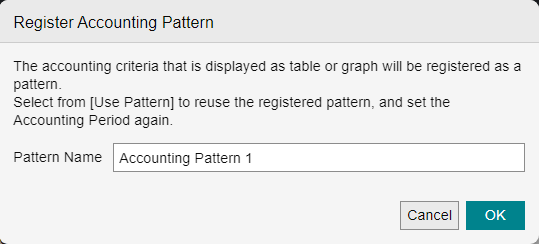
[Pattern Name]
Enter the name to register for the pattern.
- You can enter 25 double-byte characters or 50 single-byte characters in [Pattern Name].
[OK]
The accounting pattern is registered.