Printing kintone Files
- Tap [FUJIFILM IWpro Capture] on the home screen of the device.
- Log in.
- For information on logging in, see Logging In in "Getting Started with FUJIFILM IWpro".
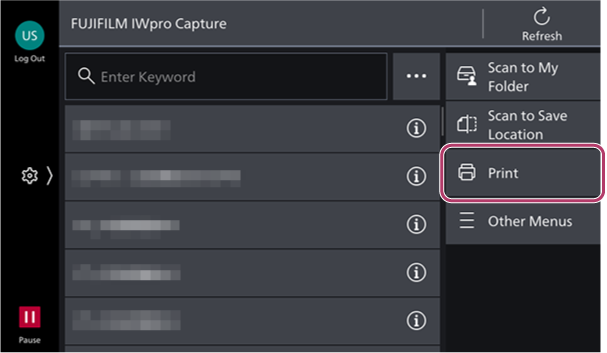
- Tap [Print] on the rule selection screen.
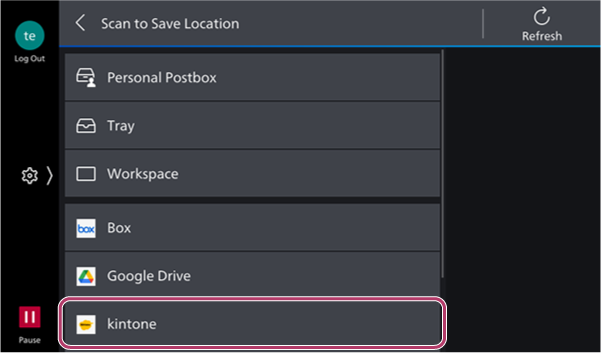
- Tap [kintone] on the [Print] screen.
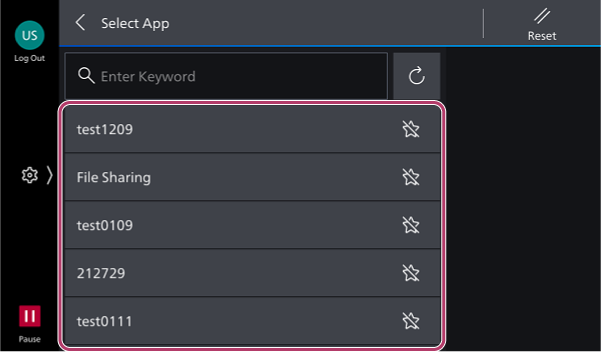
- On the [Select App] screen, select the app.
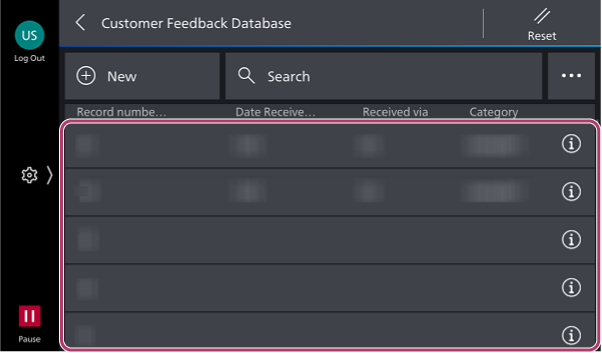
- On the record selection screen, select the record.
- On the [Select File] screen, select the file to print.
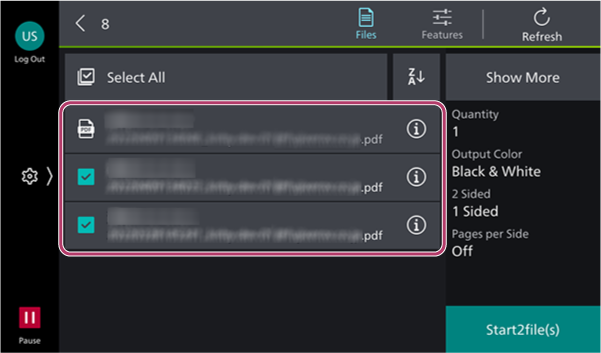
- To select all the attached files, tap [Select All].
- A maximum of 10 files can be selected.
- To change the print settings, tap [
 ].
].
- Tap [Start].