5.6 Creation and Management of View Definition (Business Item Administrator)
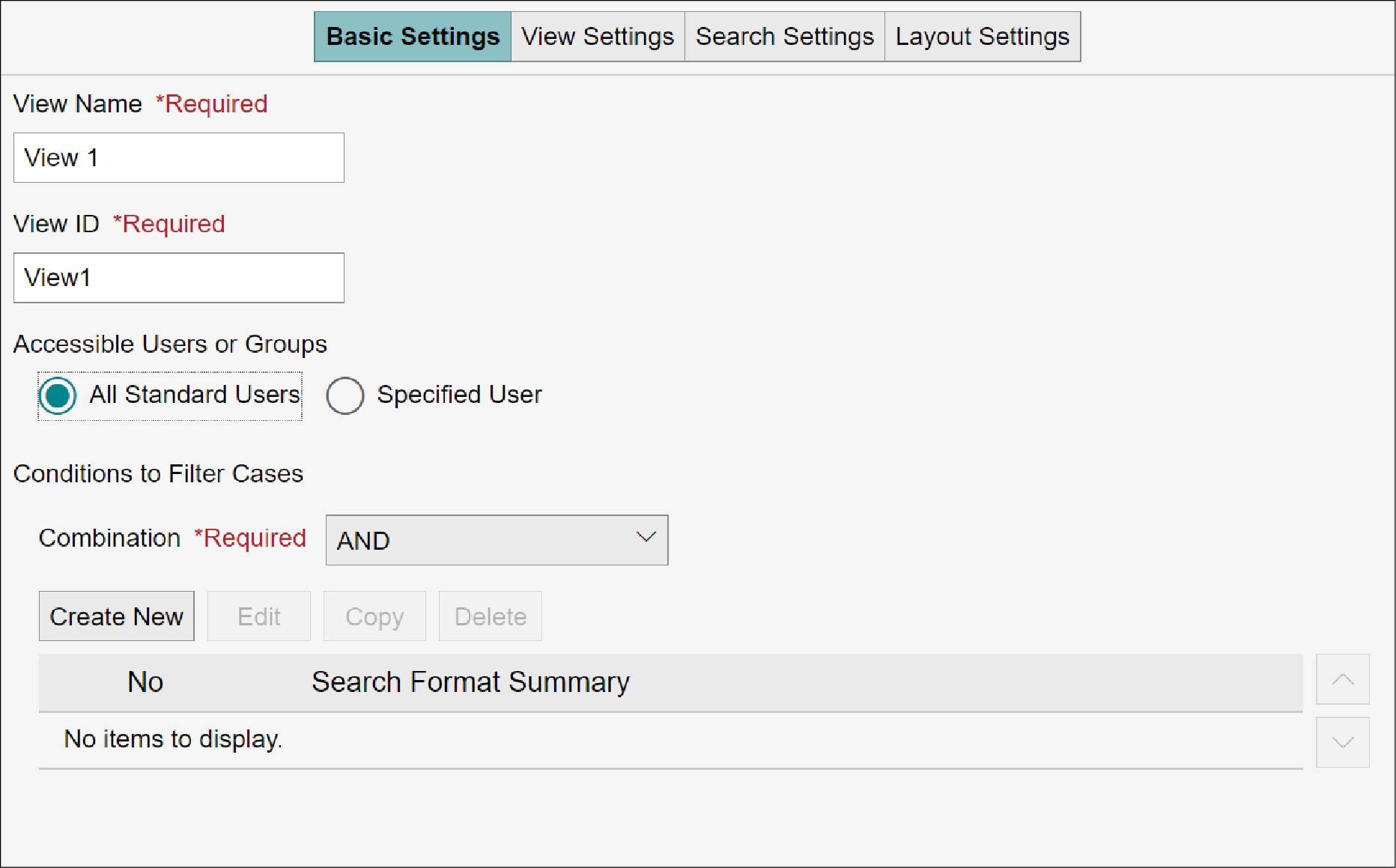
With the newly created business item definition and already created business item definition, define visualization methods as a view in order to visualize the business item progress status. A new view definition can be created. You can copy, delete, and preview the created view definition. These operations are available on the business item definition view editor screen.
Display the business item definition view editor screen by the following procedure.
1.
On the [Business Item List] screen, click the business item name of the business item definition you want to edit.
2.
Click the [Manage Business Item Definition] tab.
3.
Select the business item definition to edit.
The radio button for the selected business item definition becomes marked.
4.
Click [Edit], and from the selection menu, click [Edit View].
The [Edit Business Item Definition] screen appears.
5.
Click [OK].