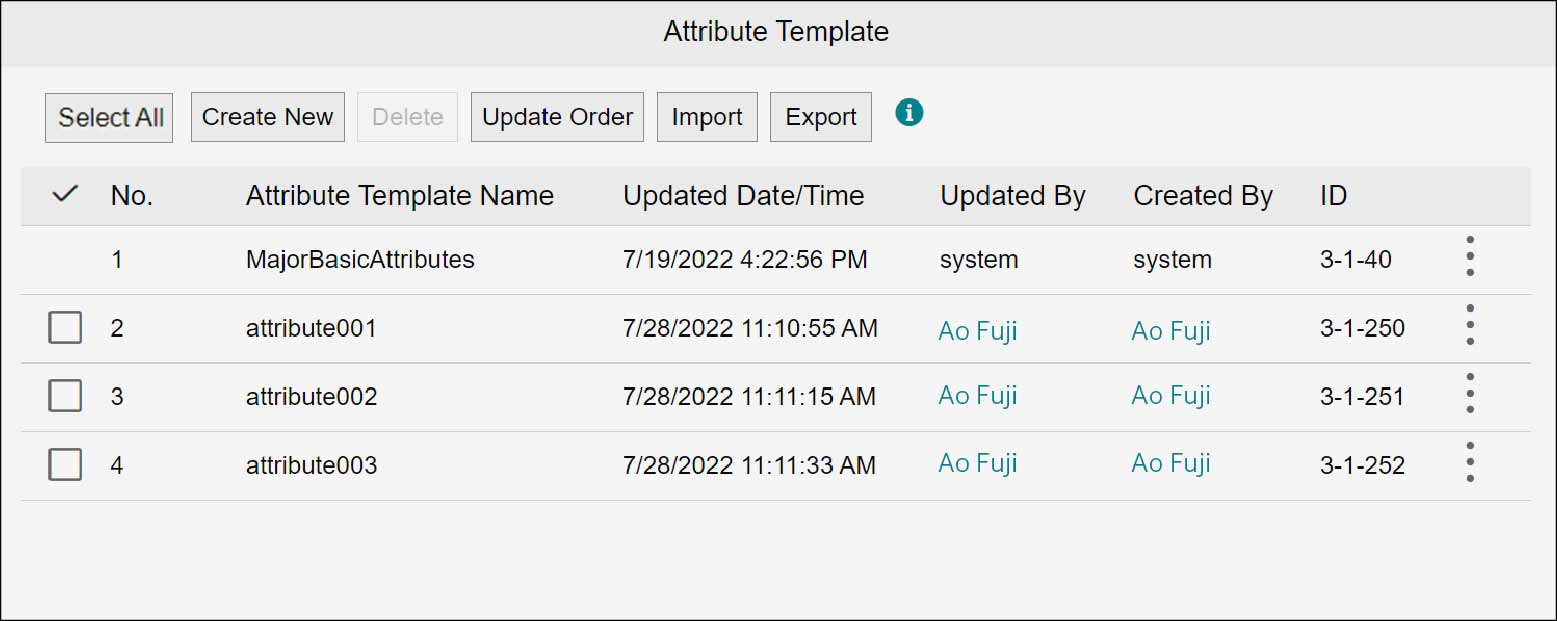
4.3 Attribute Templates
Create an attribute template to be specified when creating folders or registering documents. The attribute template can be created by any of the following three methods: create new; create by copying the already created attribute template; and create by importing an XML file that contains attribute template. You can delete/edit or change the displayed order of the created templates. These operations are available on the [Attribute Templates] screen.
1.
Click  in the upper left corner of the screen and click [File Management] in the Admin menu.
in the upper left corner of the screen and click [File Management] in the Admin menu.2.
From the menu, go to [Document], and click [Attribute Template].