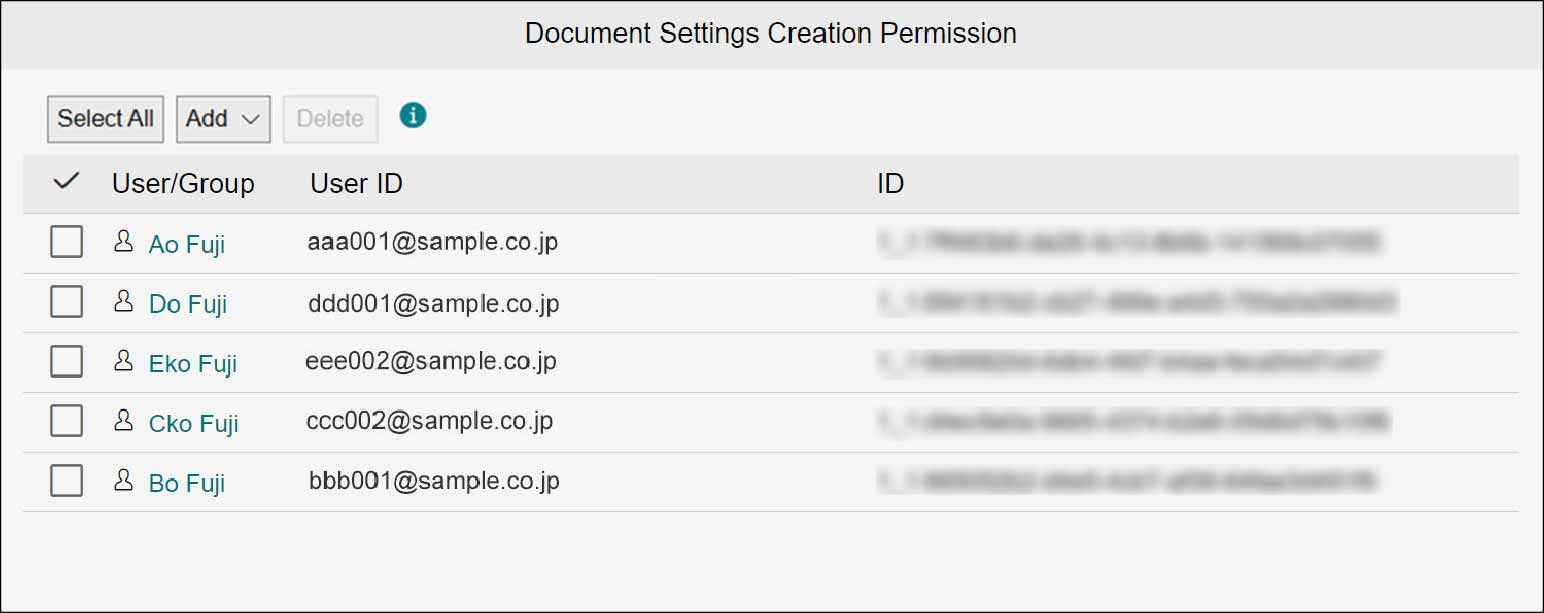
4.2 Create Settings Permission
In order to optimize the file management, the activity settings can be created including the user permissions, various layouts, and search conditions. The permission types are the document settings creation permission, update/deletion permission, and user. The operation availability is depending on the permission type.The user to whom create document settings permission is set can create the activity settings as well as the shared search settings. Set the create document settings permission on the [Users with Create Document Settings Permission] screen. For update/deletion permission and user settings, refer to <User Guide>.
Note
- With the create document settings permission, creation of new activity setting and import/export of activity setting are available.
- The update/deletion permission can only perform editing and deletion of activity setting.
- The user can only use the activity setting.
- When accessing a cabinet by clicking [Access Document with Administrator Permissions], all operations are available independent of the permissions above.
1.
Click  in the upper left corner of the screen and click [File Management] in the Admin menu.
in the upper left corner of the screen and click [File Management] in the Admin menu.2.
From the menu, go to [Document], and click [Create Settings Permission].