3.6 Capture E-mail Notification
Important
"Capture" and "Rules" described on this page refer to the features in the old product Smart Workstream Data Entry option. These are provided in File Management as compatibility features available only to customers who have purchased the old product.
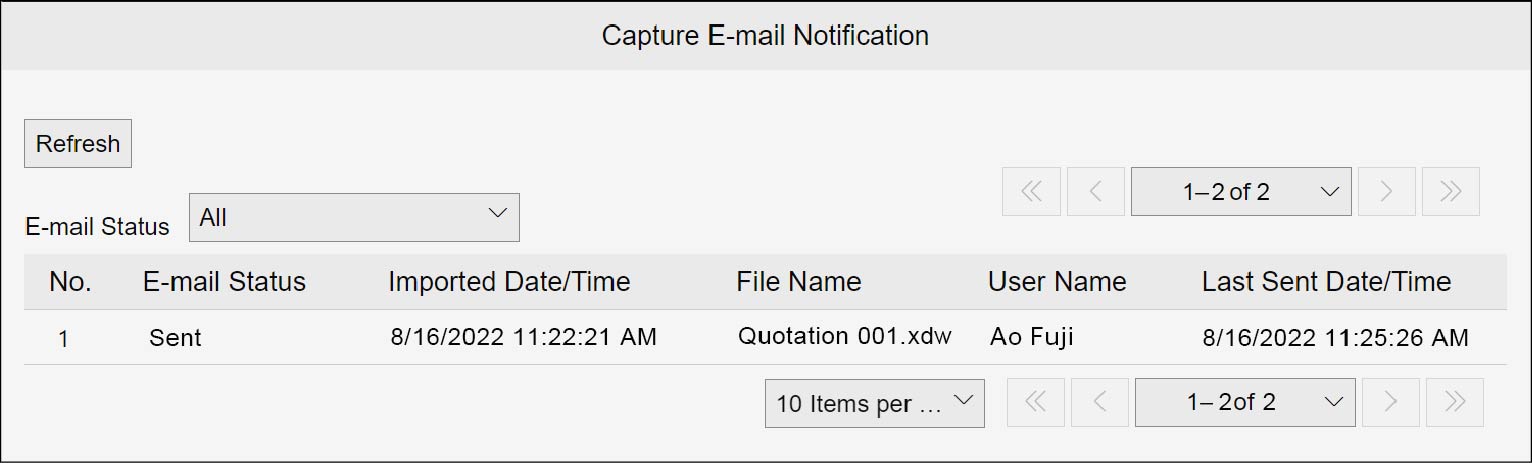
Display the list of e-mail transmission log for when capture error occurred. On the [Capture E-mail Notification] screen, check the list of e-mail transmission log. Display the [Capture E-mail Notification] screen by the following procedure.
1.
Click  in the upper left corner of the screen and click [File Management] in the Admin menu.
in the upper left corner of the screen and click [File Management] in the Admin menu.2.
From the menu, go to [Log], and click [Capture E-mail Notification].
Note
- Select [E-mail Status] to narrow down by using the selected e-mail status.
- Clicking [Refresh] updates the list to the latest state.