Registering a Stamp Image
1.
Click  in the upper left corner of the screen and click [File Management] in the Admin menu.
in the upper left corner of the screen and click [File Management] in the Admin menu.2.
Click [Stamp] from the menu.
3.
Click the [Stamp Image] tab.
[Stamp Image] Tab
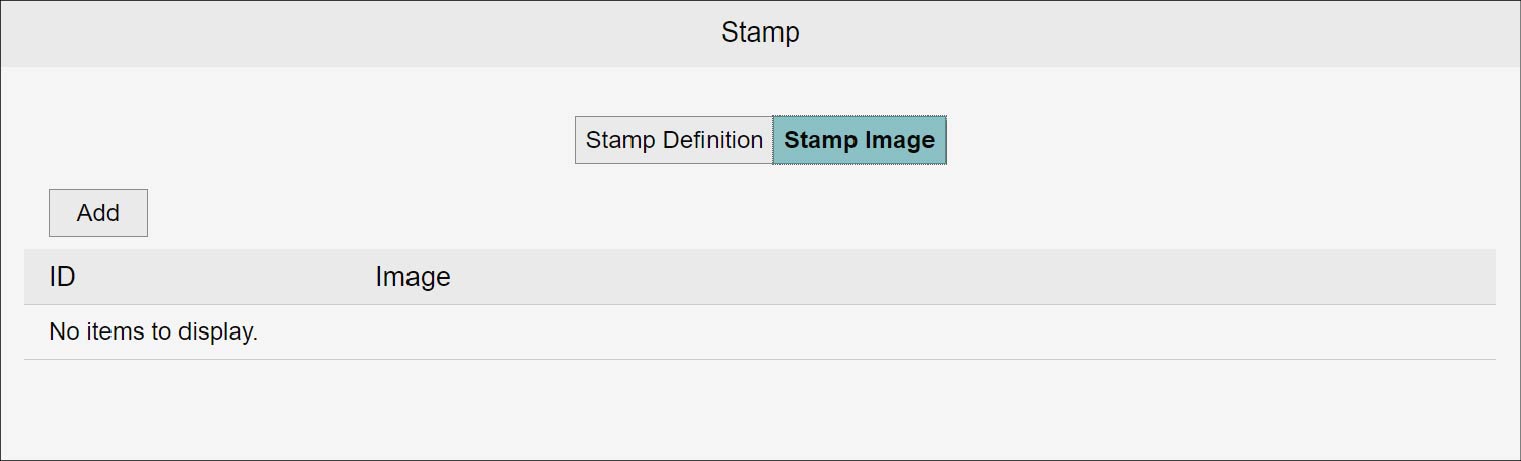
Adding a Stamp Image
1.
Click [Add].
The [Add Stamp Image] screen appears.
2.
Set items such as [ID] and [PNG File], and click [Add].
This registers the selected file as a stamp image.
Note
- Only PNG files can be registered as stamp images.
- The image file size is limited to 500 KB, 1,240 (width) × 1,240 (height) pixels.
Changing a Stamp Image
1.
Click [Update] for the stamp image you want to change.
The [Update Stamp Image] screen appears.
2.
Set [PNG File], and click [Update].
This registers the selected file as a stamp image.
Note
Only PNG files can be registered as stamp images.
Deleting a Stamp Image
1.
Click [Delete] for the stamp image you want to delete.
The [Confirm] screen appears.
2.
Click [OK].
This deletes the selected stamp image.