Field Settings Screen
This screen is displayed by selecting an app on the [Field Settings] screen.
It enables you to select the field items to display on the record selection screen.
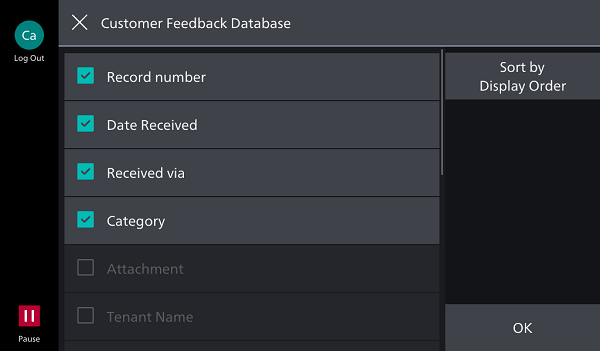
Displayed Field List
By selecting check boxes in the list, you can select the fields to display.
You can select up to four fields to display.
- Make sure to select the [Record number] check box.
[Sort by Display Order]
Displays the [Sort by Display Order] screen.