[Sign in with a Microsoft account] Screen
This screen is displayed by selecting [Sign in with a Microsoft account] on the [Login] screen.
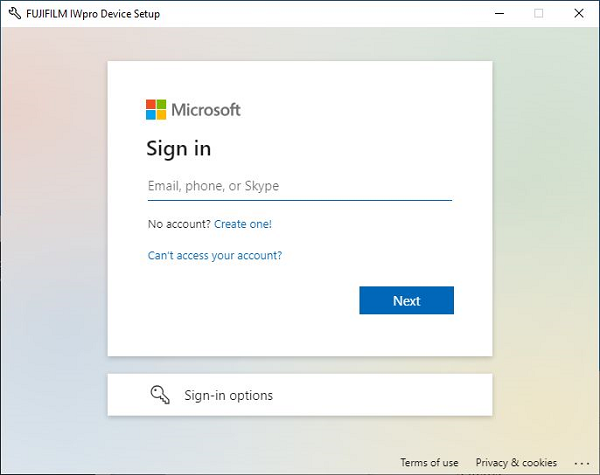
Account Entry
Enter a registered Microsoft account.
[Next]
Displays the password entry screen. Enter your password and log in.
[Keep me signed in]
Automatically logs in next time without displaying the login screen.
- The alternate mode only functions when logged in. If you are using the alternate mode, it is recommended that you enable this setting. When using the alternate mode, private printing must be configured on the device. For details, see the manual for your device.