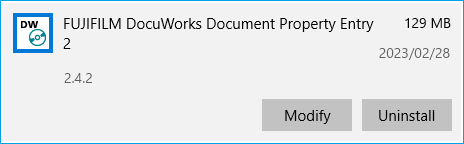
For DocuWorks Document Property Entry 2, the installation files required for the update differ depending on the version in use.
Follow the procedure below to check the detailed version of DocuWorks Document Property Entry 2 currently in use (e.g. 2.2.1/2.3.0).
- Right-click the Start button on your PC > select [Apps and Features].
- Click [Fuji Xerox DocuWorks Document Property Entry 2] or [FUJIFILM DocuWorks Document Property Entry 2].
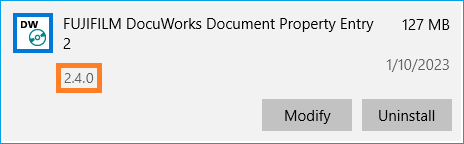
Download the installation file according to the version confirmed in Step 1.
| Detailed Version | Update Method |
| 2.0.0 to 2.2.1 | 1. DocuWorks Document Property Entry 2 Trial Edition / Licensed Edition |
| 2.3.0 or later | 2. DocuWorks Document Property Entry 2 Update |
-
DocuWorks Document Property Entry 2 Trial Edition / Licensed Edition
Access the following site, and click [Agree to the "Terms and Conditions" and Download].DocuWorks Document Property Entry 2 Trial Edition / Licensed Edition(English)
DocuWorks Document Property Entry 2 Trial Edition / Licensed Edition(Simplified Chinese)
DocuWorks Document Property Entry 2 Trial Edition / Licensed Edition(Traditional Chinese)
DocuWorks Document Property Entry 2 Trial Edition / Licensed Edition(Korean)
DocuWorks Document Property Entry 2 Trial Edition / Licensed Edition(Thai)
DocuWorks Document Property Entry 2 Trial Edition / Licensed Edition(Vietnamese)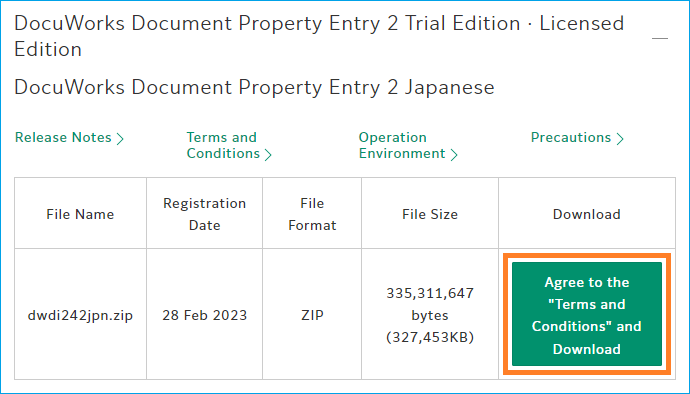
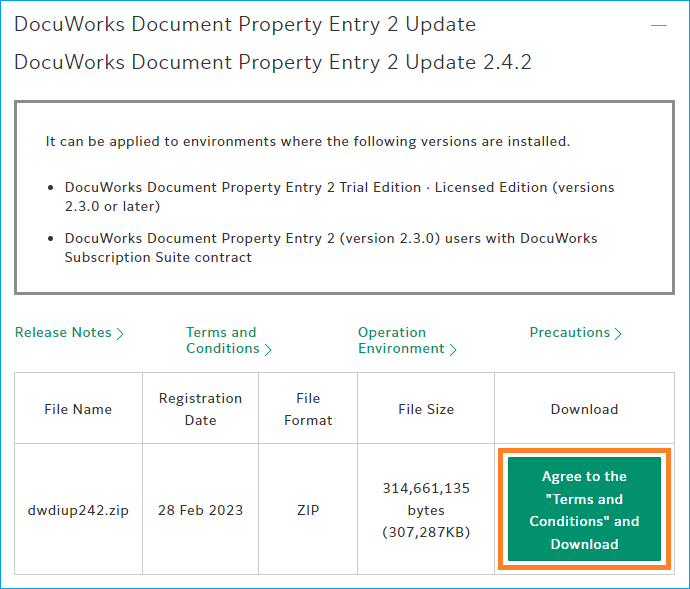
- DocuWorks Document Property Entry 2 Update
Access the following site, and click [Agree to the "Terms and Conditions" and Download].DocuWorks Document Property Entry 2 Update(English)
DocuWorks Document Property Entry 2 Update(Simplified Chinese)
DocuWorks Document Property Entry 2 Update(Traditional Chinese)
DocuWorks Document Property Entry 2 Update(Korean)
DocuWorks Document Property Entry 2 Update(Thai)
DocuWorks Document Property Entry 2 Update(Vietnamese)
Close all DocuWorks Desk and DocuWorks Viewer in advance.
Right-click on the downloaded installation file > select [Extract All] or [Unzip], and extract it to any location.
You will find the unzipped folder in the location you have specified.
In this section, "1. DocuWorks Document Property Entry 2 Trial Edition / Licensed Edition (English)" will be used as an example.
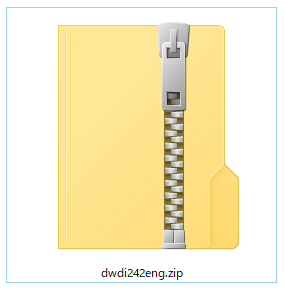
E.g. Downloaded installation file
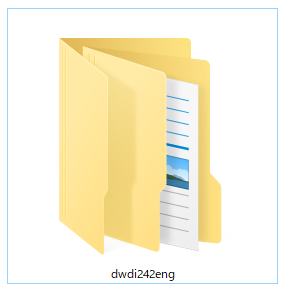
E.g. Unzipped folder
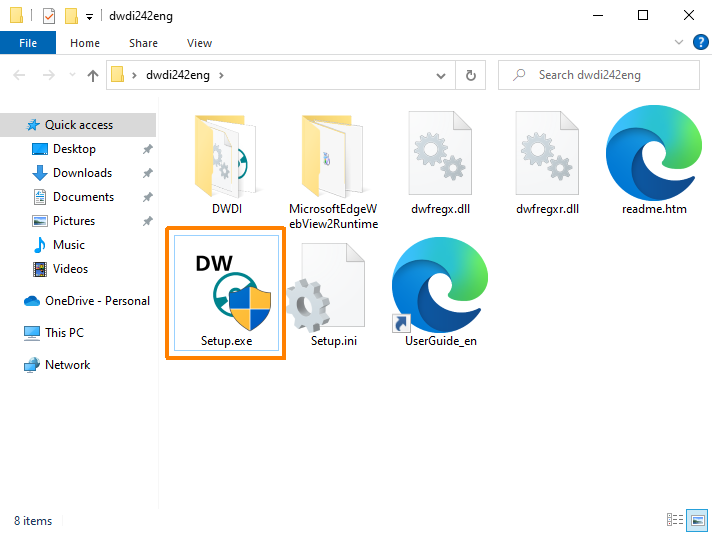
Double-click the unzipped folder to open it, and double-click "setup.exe" in the folder.
Follow the menu to perform update installation.
Follow the procedure below to check if it is the updated version.
- Right-click the Start button on your PC > select [Apps and Features].
- Click [FUJIFILM DocuWorks Document Property Entry 2].